# Cosmo Project File Index Action

<details>

<summary>Cosmo Project File Index Action V2</summary>

With **V3**, indexing is no longer restricted to the Cosmo server.

The indexing process now runs on the **host that executes the stream**:

* Client stream → indexing performed by the client workstation
* Server stream → indexing performed by the server

Previous **V2** behavior:

* Indexing was always performed by the Cosmo server container
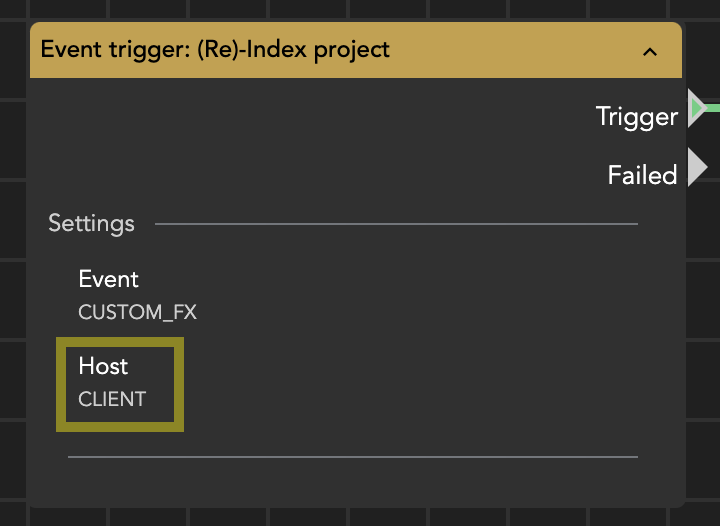
<img src="https://content.gitbook.com/content/cJYkTyk9qgh7aCR6dHIm/blobs/zvqfvoOzqdaP7SCFgErP/image.png" alt="Stream event trigger" data-size="original">\
\
With the ***previous V2*** version of the node, indexing was ***always performed*** by the ***Cosmo server container***.

Because of this change, older index nodes should be replaced as soon as possible.
</details>

The **Cosmo Project File Index Action** node indexes a project file and synchronizes its structure with Cosmo.

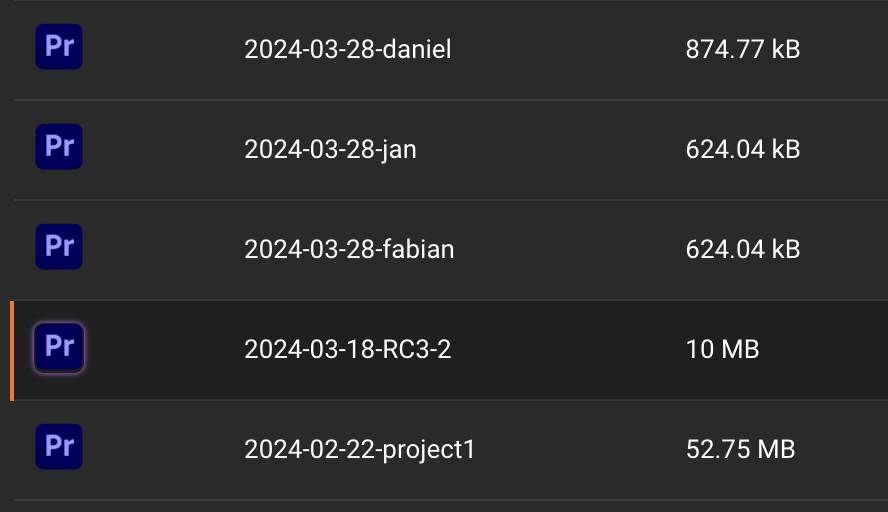
During indexing, the project file is read and its internal structure — bins, assets, and sequences/compositions — is transferred to Cosmo. Cosmo then creates a virtual representation of the project, allowing its contents to be viewed in the Cosmo panel and on the web interface.

> Requires Helmut Client **4.2.0.28 or newer**

#### When to Use

This node should be used whenever Cosmo needs to understand the real content of a project file, for example:

* after project creation
* after major editorial changes
* after unlocking a project
* when assets were imported outside of Cosmo workflows
* after migration or manual relinking

#### Important Recommendation

Projects should preferably be indexed **while closed**.

Adobe applications (Premiere Pro / After Effects) keep unsaved timeline changes in RAM.\
If indexing occurs while the project is open, recently created bins, clips, or sequences may not be detected until the project is saved.

### Supported Applications

#### Adobe Premiere Pro & After Effects

* Full structure indexing
* Bins
* Assets
* Sequences / Compositions
* Visible in panel and web UI

#### Pro Tools

* Session must be open
* Only track information is indexed
* Linked media files are not referenced

### What Indexing Updates

Indexing extracts and updates:

* Bin structure and names
* Assets and asset metadata
* Sequences / compositions
* Changes compared to the previous Cosmo state

Cosmo automatically updates its database to match the project.

### Input Parameters

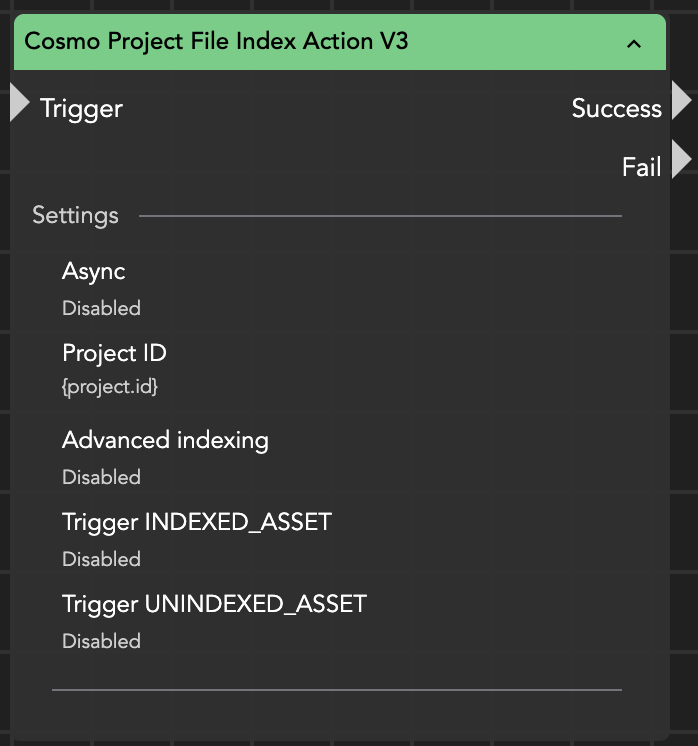
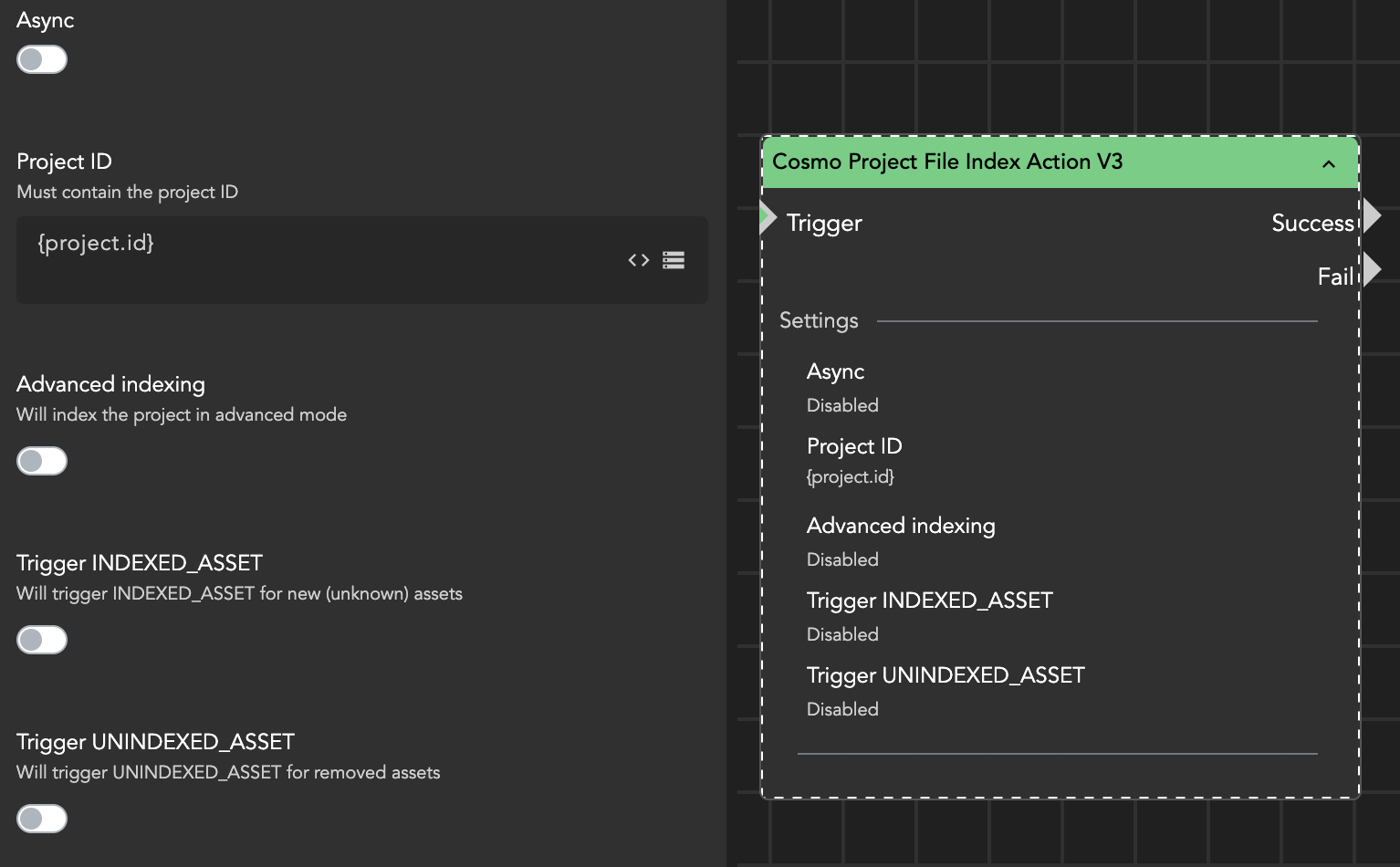
**Project ID**\
The ID of the project to be indexed.

**Advanced Indexing**\
Performs a deeper analysis of sequences.\
This increases indexing time but collects additional data:

* source and destination timecodes
* track usage per clip
* extended asset metadata

This data is stored in the database (not directly visible in the UI).\
Useful for reporting workflows (e.g., asset or sequence reports).

**Trigger INDEXED\_ASSET**\
Triggers the [INDEXED\_ASSET](#indexed_asset) event for newly discovered assets.

Use this if assets may enter the project without using Cosmo ingestion (manual import, third-party APIs, disconnected panel, etc.).\
If disabled, assets are simply registered without triggering additional workflows.

**Trigger UNINDEXED\_ASSET**\
Triggers the [UNINDEXED\_ASSET](#unindexed_asset) event when assets are removed from the project.

This can be used for automation such as orphaned-media detection or cleanup workflows.

<figure><img src="https://content.gitbook.com/content/cJYkTyk9qgh7aCR6dHIm/blobs/sEbgDFSxWLCWicLix1HC/image.png" alt="" width="375"><figcaption><p>Cosmo Project File Index Action</p></figcaption></figure>

### Recommended Trigger Usage

Check your streams especially for:

* [POST\_CREATE\_PROJECT](https://docs.helmut.de/helmut4-releases/helmut4-components/helmutfx/streams/fx-event-triggers/post_create_project)
* [UNLOCK\_PROJECT](https://docs.helmut.de/helmut4-releases/helmut4-components/helmutfx/streams/fx-event-triggers/unlock_project)
* [CUSTOM\_FX](https://docs.helmut.de/helmut4-releases/helmut4-components/helmutfx/streams/fx-event-triggers/custom_fx) (Re-index Project)
* Housekeeper workflows

{% hint style="danger" %}
**Important:**\
The *Unlock Project* trigger should not run on a client host.\
If the user closes the Helmut client or website before indexing finishes, the process may stop.
{% endhint %}

### Synchronization Logic

Indexing compares the current project content with the Cosmo database.

* New clips → added to Cosmo
* Removed clips → removed from project reference
* Changed structure → updated in Cosmo

### Advanced Indexing — Use Case

Enable Advanced Indexing when you need reporting or analysis workflows, for example:

* sequence usage reports
* asset usage tracking
* compliance documentation

Otherwise, keep it disabled to reduce processing time.

### Important Behavior Notes

#### Offline or Inaccessible Assets

If the executing host (client or server) cannot access the media location:

* file size
* metadata
* date information

will **not** update.\
The asset retains its last known online/offline status.

#### Project Size Calculation

Project size is recalculated when:

* assets are added via [Cosmo Add Asset to Project Action](https://docs.helmut.de/helmut4-releases/helmut4-components/streamdesigner/nodes/actions/cosmo-16/cosmo-add-asset-to-project-action)
* a successful indexing is performed

The size equals the total size of all referenced media files.

<figure><img src="https://content.gitbook.com/content/cJYkTyk9qgh7aCR6dHIm/blobs/DEnbwclqfND86sjIA6iT/image.png" alt="" width="375"><figcaption><p>Project size</p></figcaption></figure>

#### Virtual (Ingest) Projects

For projects that were never opened:

* size is calculated from assets added via ingestion
* after manual indexing → project size becomes **0**

Reason: the project contains no real linked media yet; assets are still unsynchronized placeholders.

{% hint style="info" %}
To determine the actual file size and modification date of an asset, the [Cosmo Update Asset Size and Date](https://docs.helmut.de/helmut4-releases/helmut4-components/streamdesigner/nodes/actions/cosmo-16/cosmo-update-asset-size-and-date) node can be used.

This node scans the referenced media file on storage and updates the corresponding information in the Cosmo database.
{% endhint %}

<figure><img src="https://1398472304-files.gitbook.io/~/files/v0/b/gitbook-x-prod.appspot.com/o/spaces%2FcJYkTyk9qgh7aCR6dHIm%2Fuploads%2FlJwiU7hSJJ6QhhpCHuTG%2Fimage.png?alt=media&#x26;token=9af09bbb-ca0a-493c-9641-535f76af8a17" alt="" width="349"><figcaption><p>Cosmo Project File Index Action</p></figcaption></figure>

### Practical Summary

This node is essentially the **truth synchronization** between the editing software and Cosmo.

* Ingest nodes tell Cosmo *what should exist*
* Indexing tells Cosmo *what actually exists*

If your workflows ever look “wrong” in Cosmo (missing clips, duplicates, wrong bins), the issue is almost always missing or improperly placed indexing — not the ingest.