> For the complete documentation index, see [llms.txt](https://docs.helmut.de/helmut4-releases/llms.txt). Markdown versions of documentation pages are available by appending `.md` to page URLs; this page is available as [Markdown](https://docs.helmut.de/helmut4-releases/helmut4-components/streamdesigner/nodes/actions/misc-21/json-related-nodes-2.md).
# JSON Related-Nodes (2)
When working with JSON payloads, two websites are particularly helpful for evaluating data and retrieving specific values:
## JSON Formatter & Validator
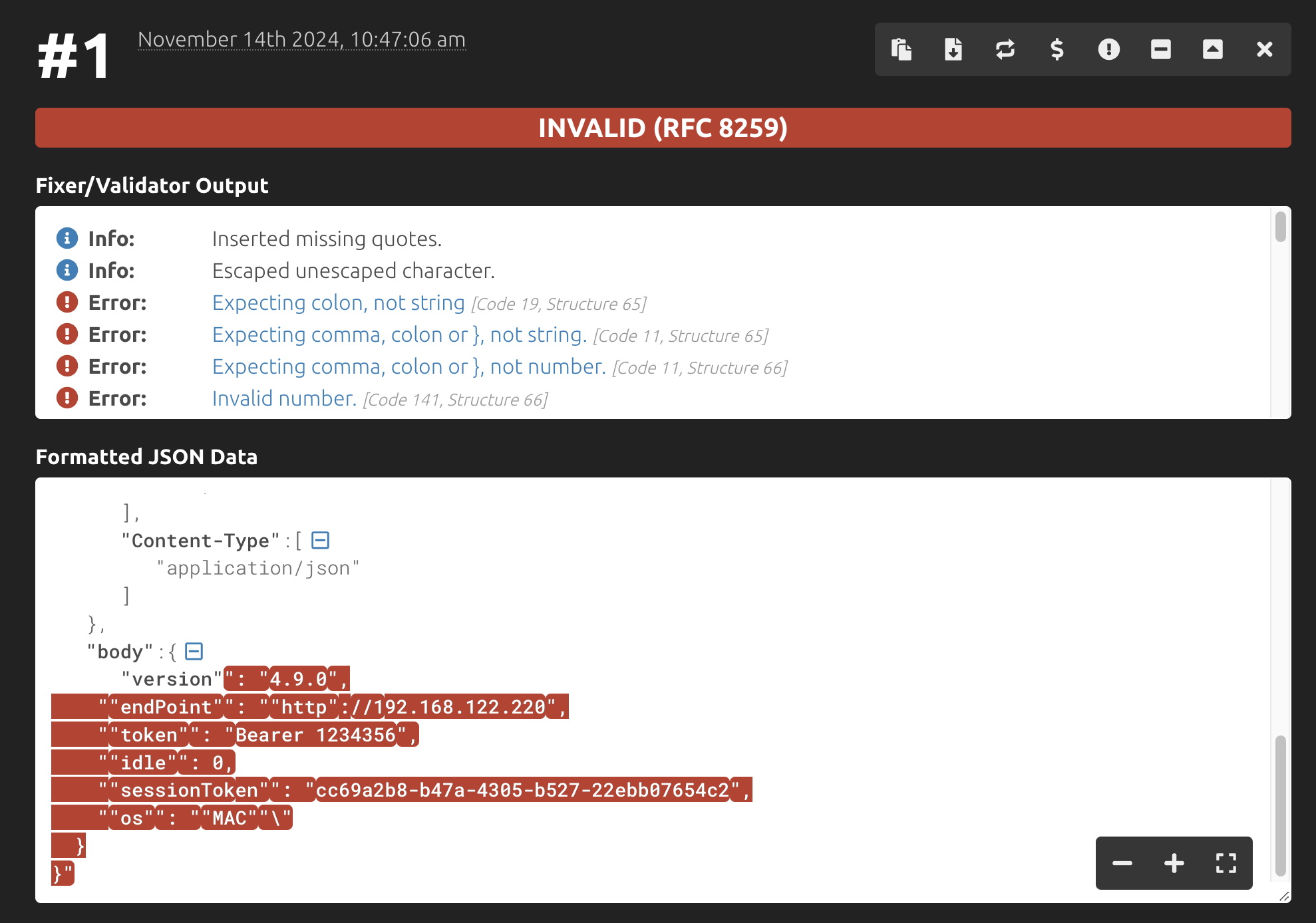
[JSON Formatter & Validator](https://jsonformatter.curiousconcept.com) is useful for checking JSON payloads, which are often placed in the body field of various nodes.
JSON formatter & validator
## JSON Path Finder
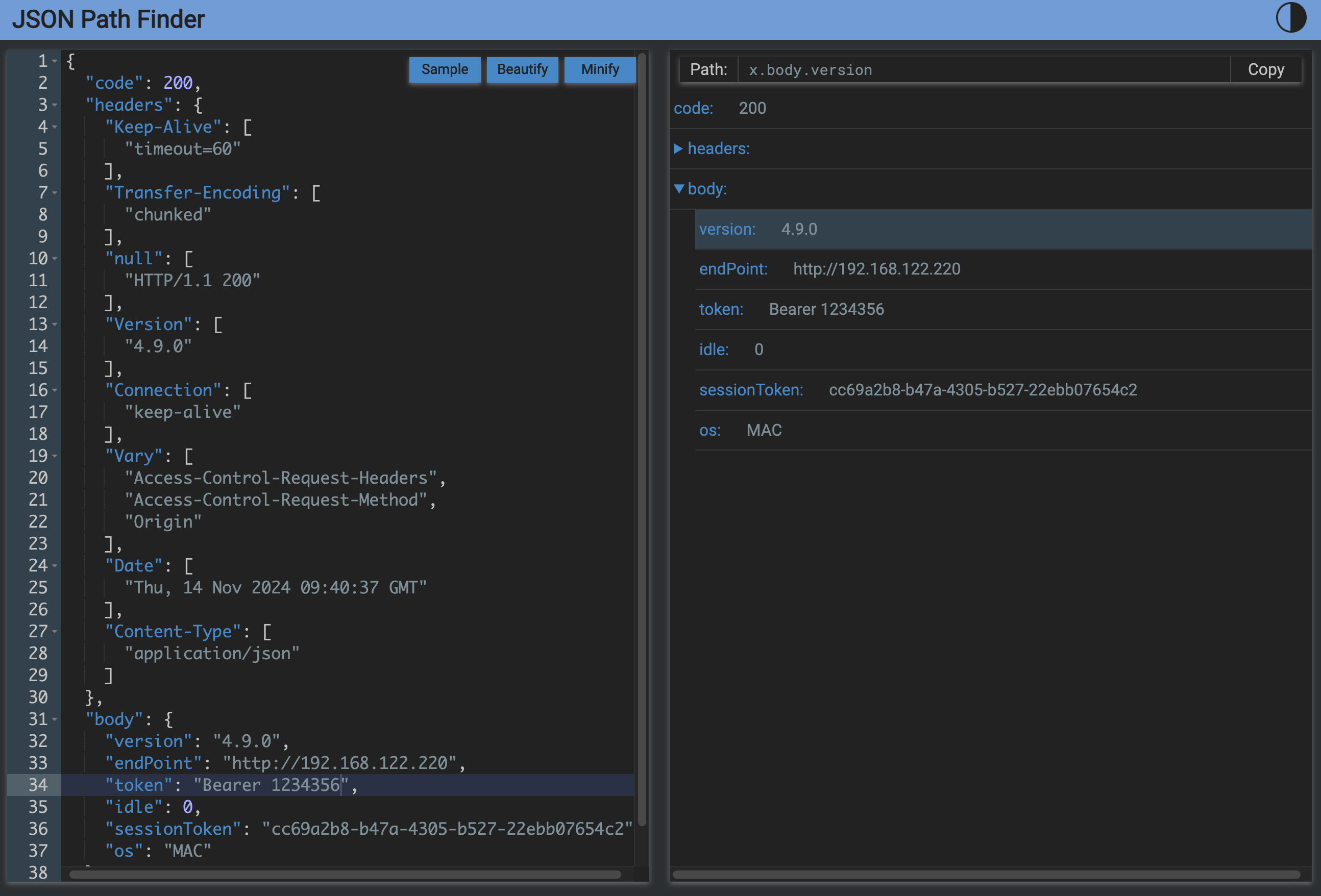
[JSON Path Finder](https://jsonpathfinder.com) helps generate extraction paths for use in the [JSON Extract Action](/helmut4-releases/helmut4-components/streamdesigner/nodes/actions/misc-21/json-related-nodes-2/json-extract-action.md), enabling you to pull values from predefined keys.
For example, to extract the `version` key from within the body segment, you would use the extraction path: `body.version`.