> For the complete documentation index, see [llms.txt](https://docs.helmut.de/helmut4-releases/llms.txt). Markdown versions of documentation pages are available by appending `.md` to page URLs; this page is available as [Markdown](https://docs.helmut.de/helmut4-releases/helmut4-components/streamdesigner/nodes/actions/third-party/editshare-2/editshare-file-system/mount-efs-volume-windows-action.md).
# Mount EFS Volume (Windows) Action
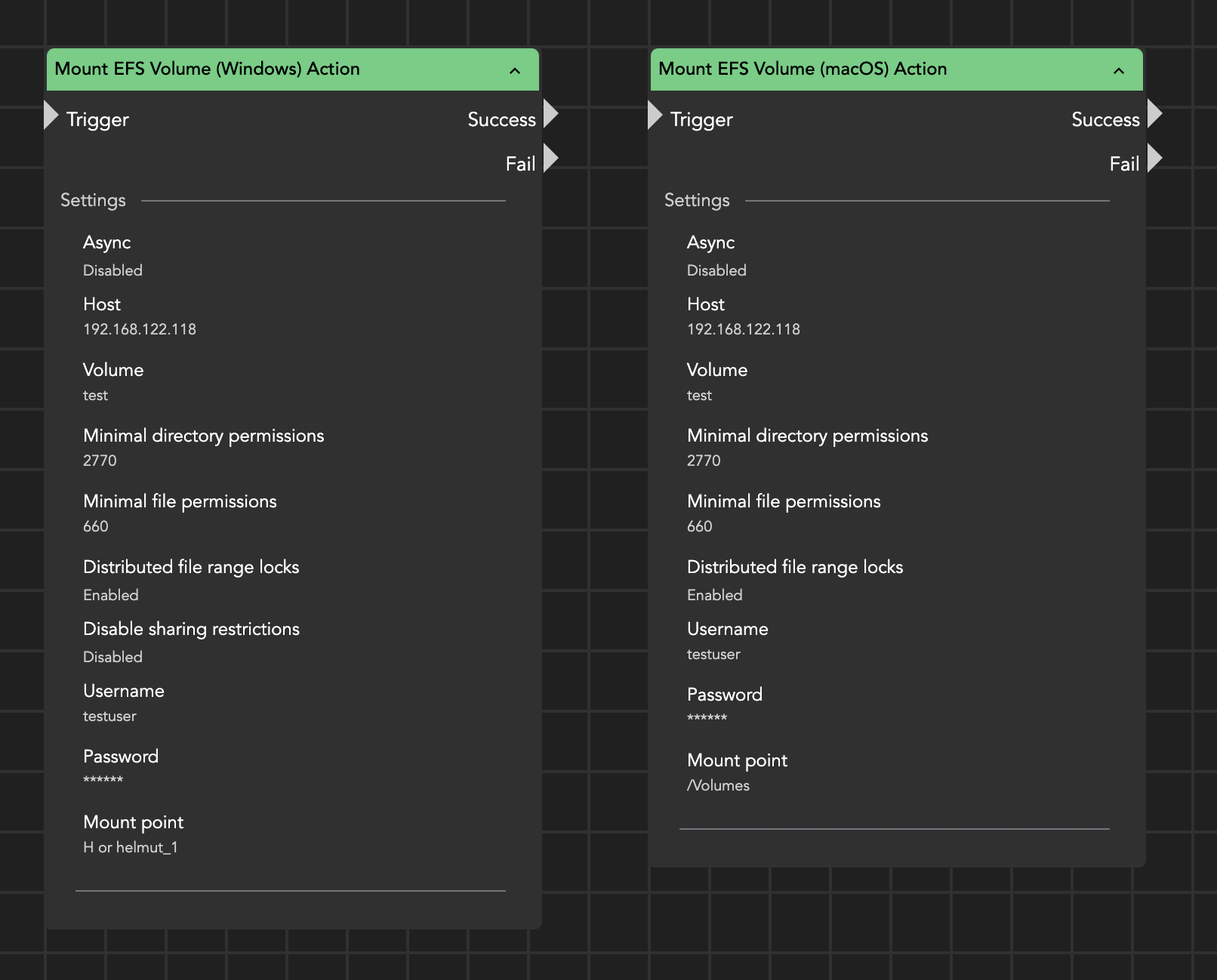
The Mount EFS Volume action allows you to mount an EditShare EFS media space on a Windows workstation. This action is useful for automatically mounting a specified EditShare media space when a user logs in. To configure this action, you'll need the following information:
* EditShare Host IP
* Media Space name (excluding the "\_1" suffix)
* Username
* Password
* Mount Point: Drive letter or UNC name
Mount EFS volume node
{% hint style="success" %}
**Mount EditShare media space via Connect API**
Starting with EditShare Connect Client 2023.2.0, a client API is available. This API allows users to mount and unmount additional media spaces after logging into the Connect client or when another media space has already been mounted.
For more information, please refer to the official EditShare API documentation.\
{% endhint %}