Panel-Export

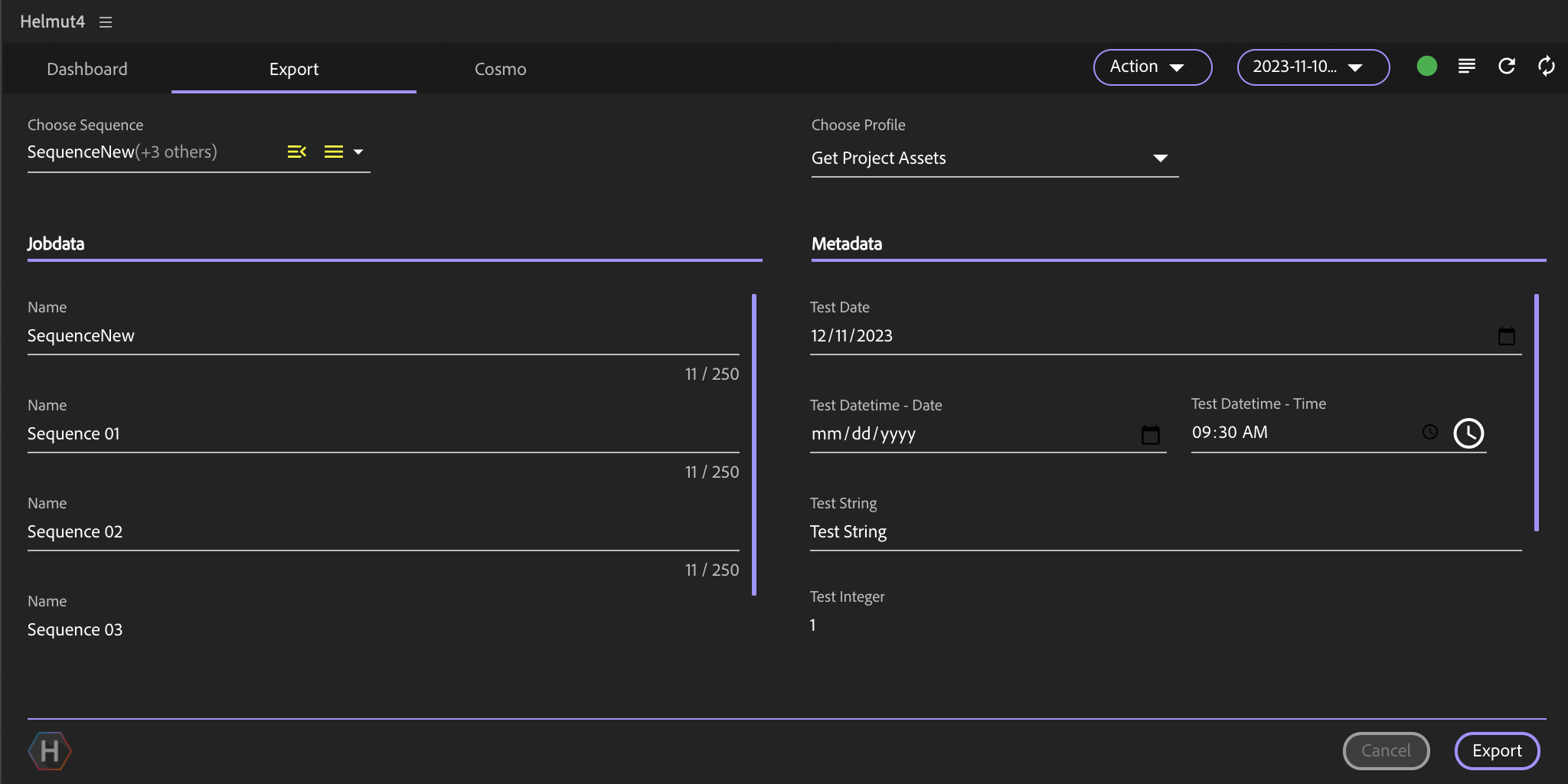
Choose sequence

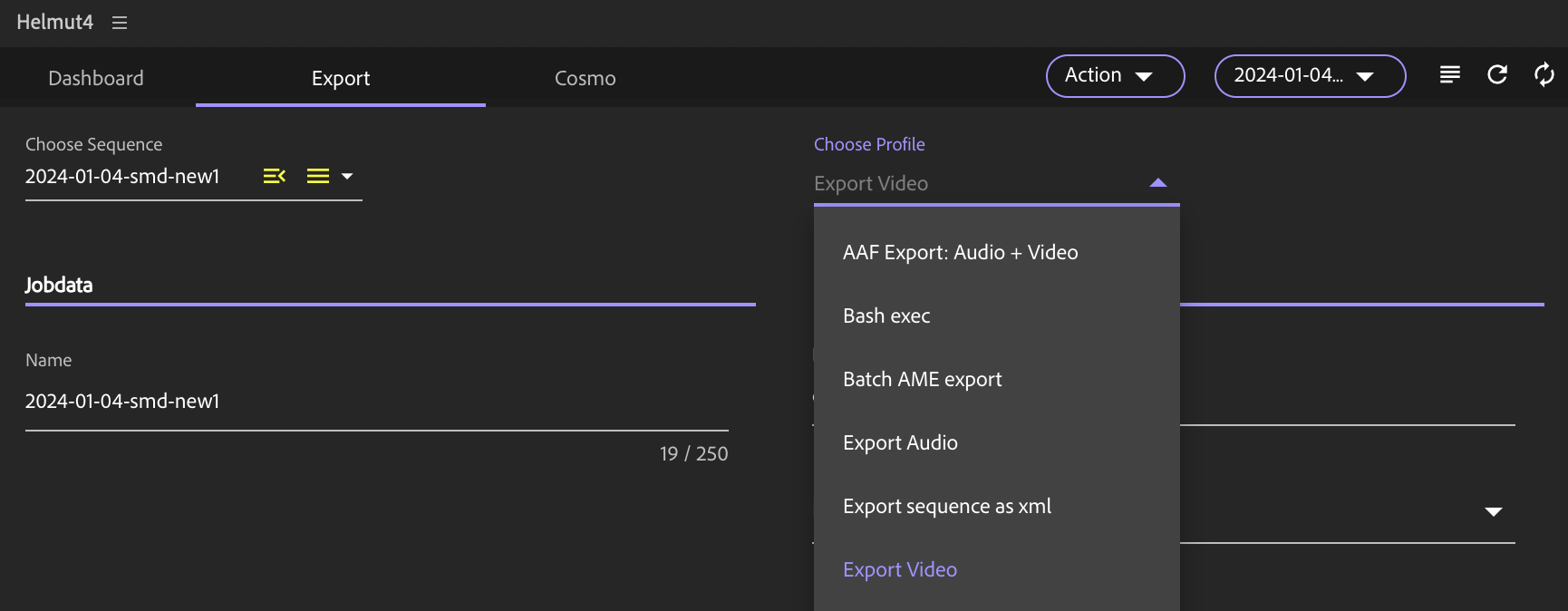
Choose profile
Metadata Section
Cancel / Export

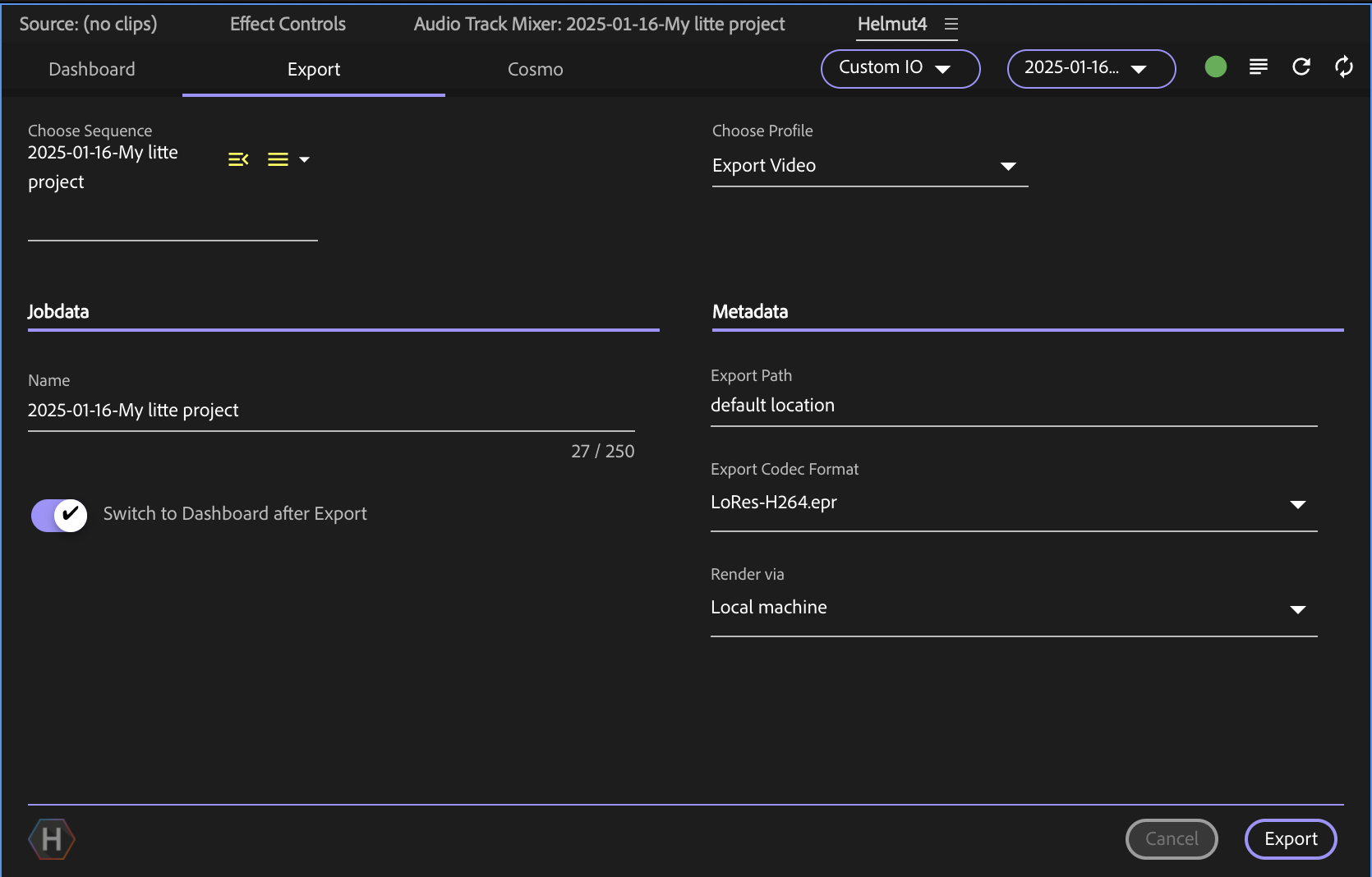
Switch to Dashboard after Export
Set Export bounce behaviour via API
Reduced and Consolidated Export Project

The export tab serves as the central management interface for initiating any export job from within Premiere Pro and After Effects.
Utilizing the export panel requires the presence of at least one Export profile for the project group.
It is possible to export either a single sequence/composition or multiple sequences/compositions with a single click.

Clicking this button will show a dropdown menu of all sequences/compositions within this project.
By default, it will select the currently used sequence/composition.

Clicking this button will show a dropdown menu of all related export profiles that are available for the current group.
The export profiles are listed based on their names, with all available profiles displayed in ascending alphanumeric order according to their respective names.
The exclusive method to alter the listing is by renaming the profiles within HelmutIO - Profiles.
The metadata assigned to this profile will be displayed here. You can customize the order of this metadata in the Metadata Set configuration.
Clicking "Cancel" closes the dialog without saving.
Clicking "Export" will add the export to the job queue.

Each user can choose whether to enable or disable the automatic redirection to the Dashboard tab after creating a new export job.
This preference is saved persistently to the API endpoint /members/users/change/custom and is reloaded whenever the Export tab is accessed.
The state can be toggled via an API call (while the targeted Adobe application is closed) using the following parameters:
URL: https://helmut-ip
Endpoint: /v1/members/users/change/custom
Method: PUT
Request Body (JSON):
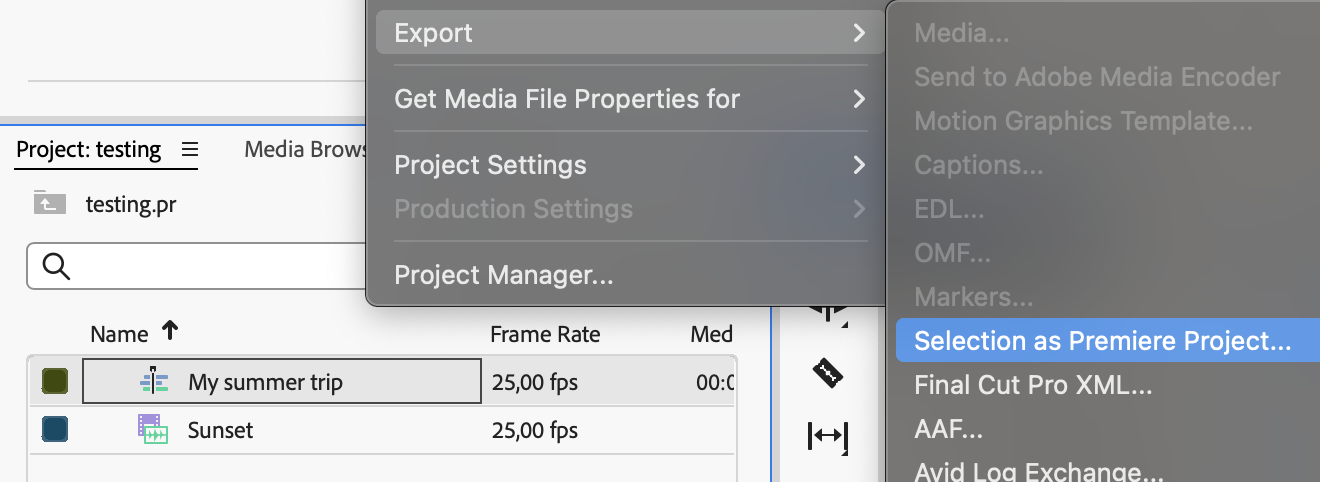
When you trigger an export in Premiere Pro or After Effects via the Export panel, Helmut4 automatically creates a new project containing only the active (or selected) timeline you wish to export.
That project file is then handed off—using the {job.source} wildcard—to the designated profile/stream, where your Premiere Pro or Media Encoder export nodes can pick it up.

{
"id": "<userID>",
"custom":{
"panel_io":{
"searchFilter": [],
"switchToDashboard": false
}
}
}