> For the complete documentation index, see [llms.txt](https://docs.helmut.de/helmut4-releases/llms.txt). Markdown versions of documentation pages are available by appending `.md` to page URLs; this page is available as [Markdown](https://docs.helmut.de/helmut4-releases/v4.11.0/helmut4-components/helmuthk/tasks/action-button.md).
# Action Button
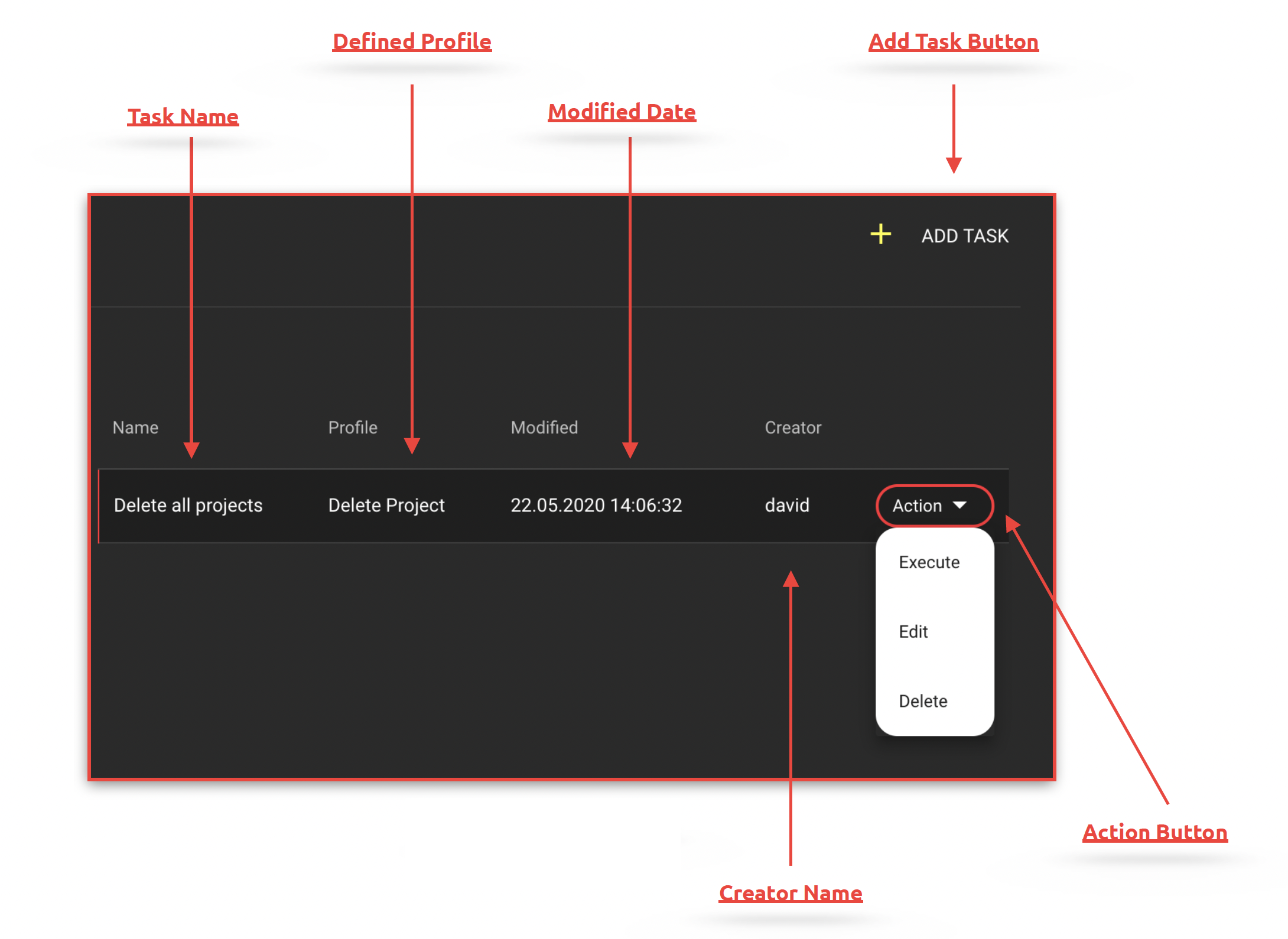
With the action button, it is possible to execute, edit, or delete a task that has already been created.
Tasks Overview
### Execute Task
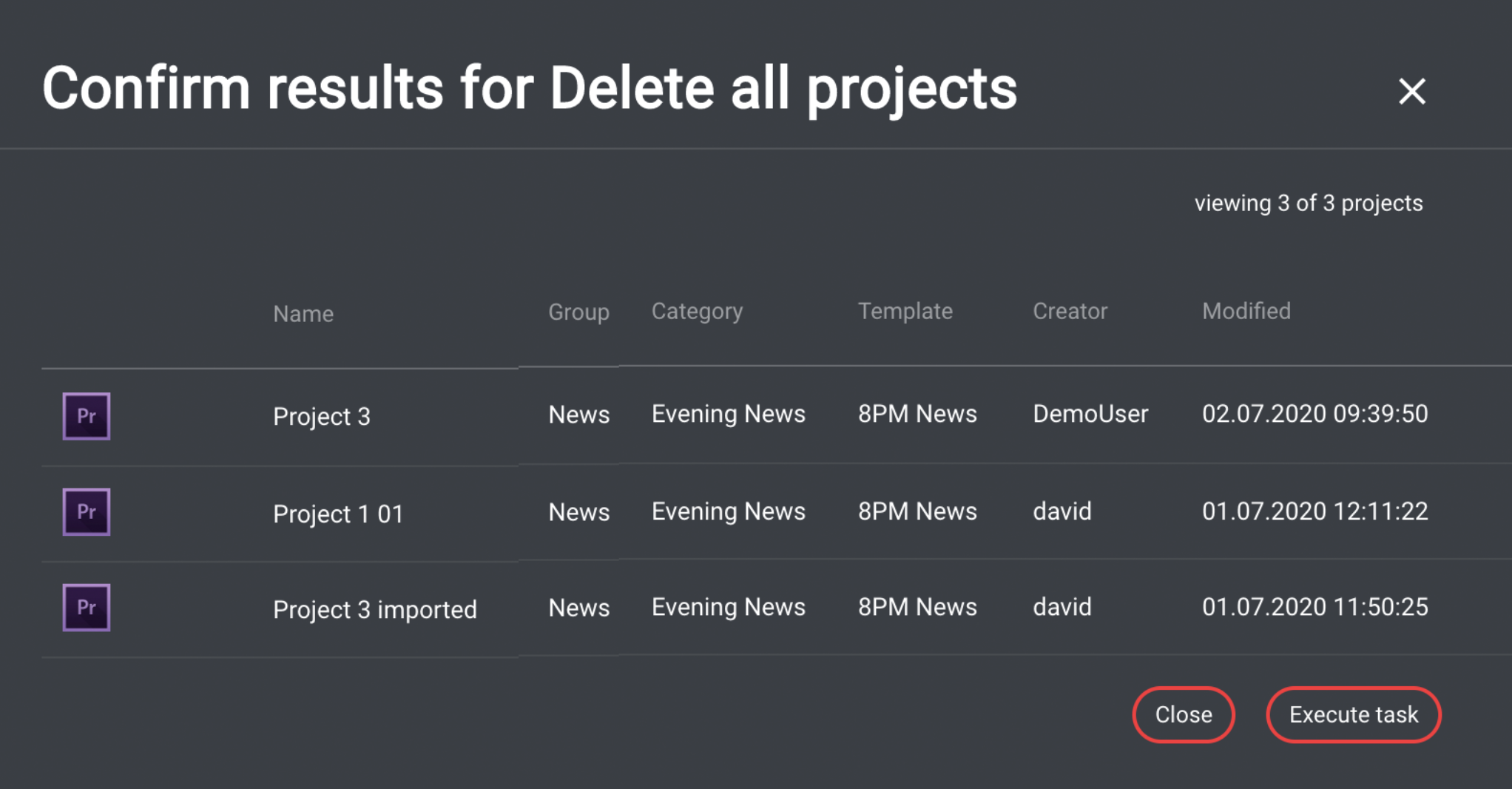
Clicking the "Execute" action button opens a new dialog that utilizes the filter defined in the task and displays the results in the form of a list.
Here, it is possible to execute the selected task based on the defined filter parameters. If executed, jobs are created in the dashboard for all projects found, and the corresponding projects are blocked in the project overview.
Subsequently, these projects are processed with the parameters stored in the profile.
{% hint style="warning" %}
Once the task execution has been triggered, this action cannot be undone.
If the displayed filtering does not show the desired projects, it is possible to cancel the process with "Cancel."
{% endhint %}
Execute Task
### Edit Task
Opens the "Edit Task" dialog, which functions exactly like the "Add new Task" dialog.
### Delete Task
Deletes the task. This action cannot be undone.