> For the complete documentation index, see [llms.txt](https://docs.helmut.de/helmut4-releases/llms.txt). Markdown versions of documentation pages are available by appending `.md` to page URLs; this page is available as [Markdown](https://docs.helmut.de/helmut4-releases/v4.11.0/helmut4-components/streamdesigner/nodes/actions/helmut-8/helmut-select-dialog-action.md).
# Helmut Select Dialog Action
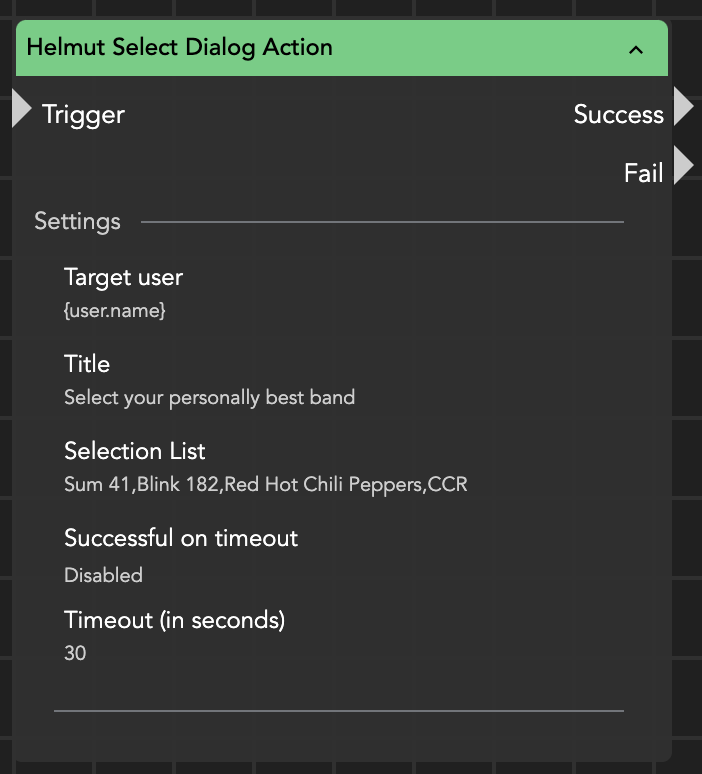
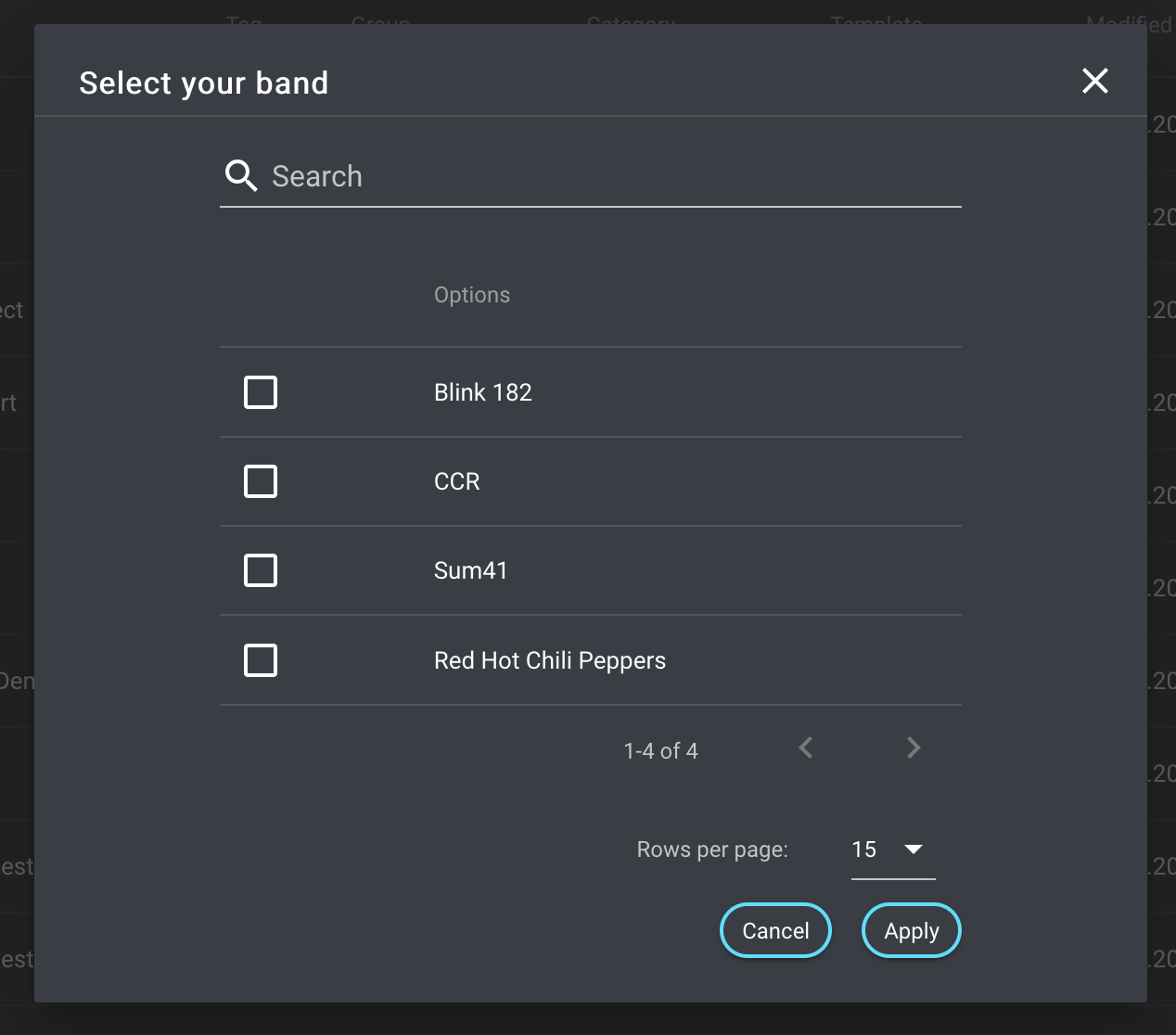
The Helmut Select Dialog Action enables you to create a list dialog in Helmut where users can either select an option or decline the selection. This action requires a title as an input parameter. Additionally, you can configure a timeout, and if the timeout expires before a response is received, the node will fail.
Once the user responds (either by selecting an option or declining), the action returns the user's response using the wildcard {stream.last\_result} or {node.result.?}. This node offers a straightforward and interactive way to integrate user-triggered actions into your Helmut interactions.
Helmut Select Dialog Action Node
The search field allows to find and select a desired value even if it is shown on another page