> For the complete documentation index, see [llms.txt](https://docs.helmut.de/helmut4-releases/llms.txt). Markdown versions of documentation pages are available by appending `.md` to page URLs; this page is available as [Markdown](https://docs.helmut.de/helmut4-releases/v4.6.0/helmut4-components/panel-extensions.md).
# Panel extensions
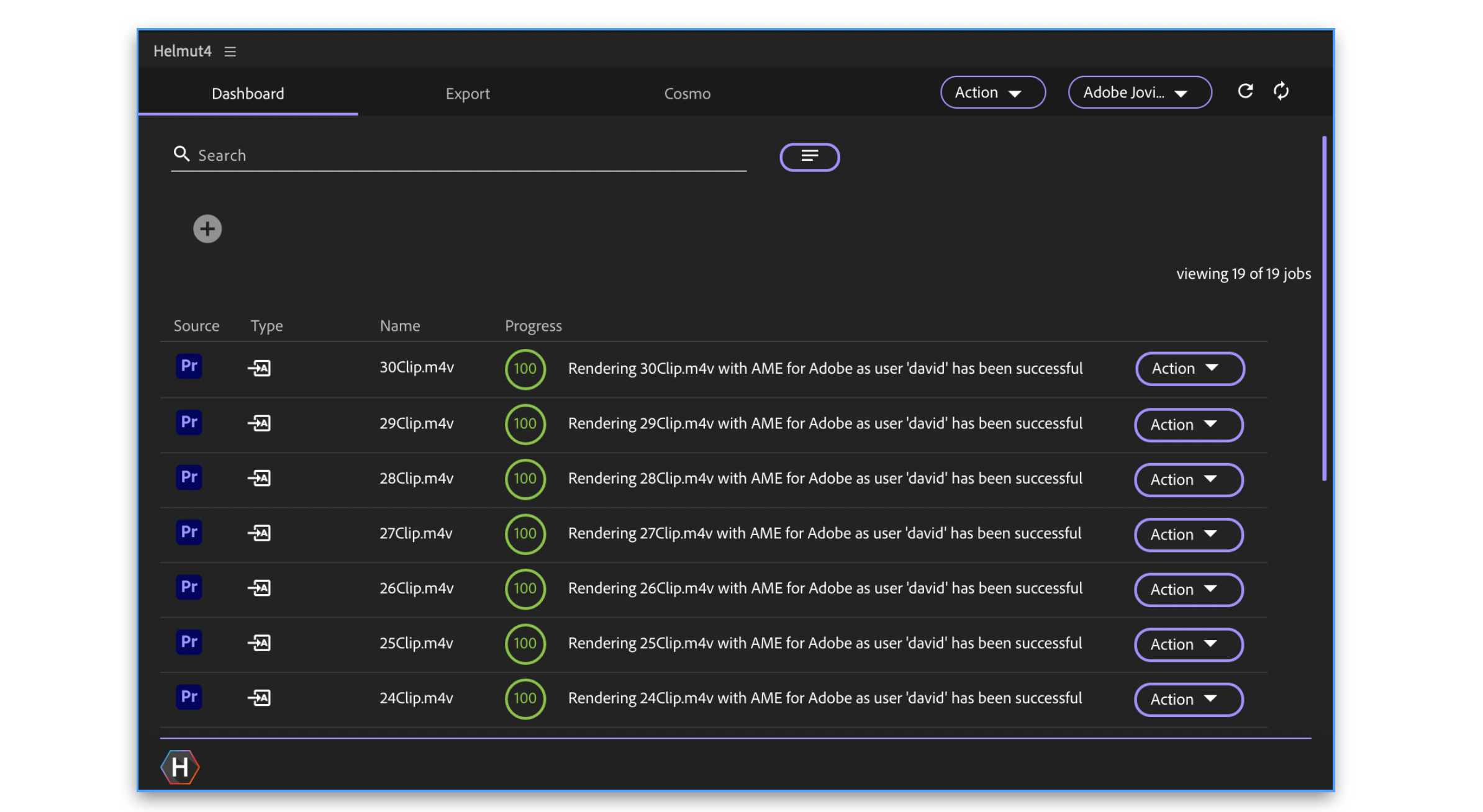
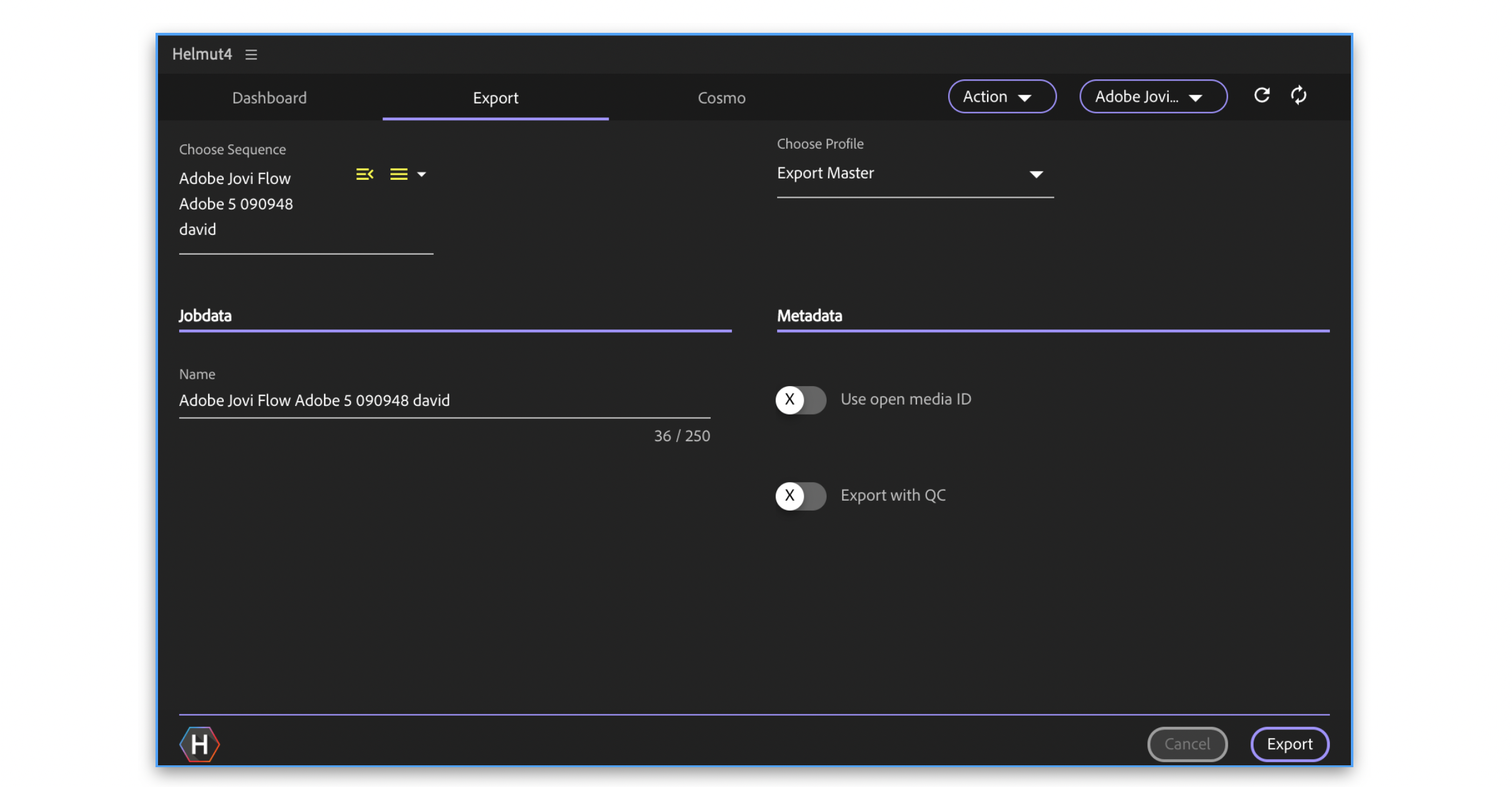
To complete the Helmut4 product range, not just one but 3 panel extensions are available. A panel for the interaction of the user with Helmut4 and the display of all project-related workflows. Regardless of whether it's importing or exporting, everything is conveniently controlled and easy to use. A panel for communication between Premiere / After Effects and Adobe Media Encoder. Rendering sequences and compositions via AME has never been so easy. And last but not least, Helmut4's hidden panel extension for Premiere. It enables every function that Premiere makes available to be automated using the Stream Designer.
Panel Extension in Premiere Pro - Dashboard
Panel Extension in Premiere Pro - Export
### Limitation panel usage
{% hint style="warning" %}
**IMPORTANT**\
\
The Helmut4 panel is capable of handling multiple projects that have been created or opened via Helmut. However, switching between these projects requires manual user interaction within the panel. You must point the panel to the current active project to switch between projects.
**Please note that only one project can be used actively at a time**.\
\
If you are importing assets into project "B" but the panel is pointing to project "A", the auto-import logic will not be triggered.
***There is no feature or option available to recall missed trigger points due to a missed panel or project switch.***
{% endhint %}