> For the complete documentation index, see [llms.txt](https://docs.helmut.de/helmut4-releases/llms.txt). Markdown versions of documentation pages are available by appending `.md` to page URLs; this page is available as [Markdown](https://docs.helmut.de/helmut4-releases/v4.8.1/helmut4-components/helmutco/streams/co-event-triggers/web_export.md).
# WEB\_EXPORT
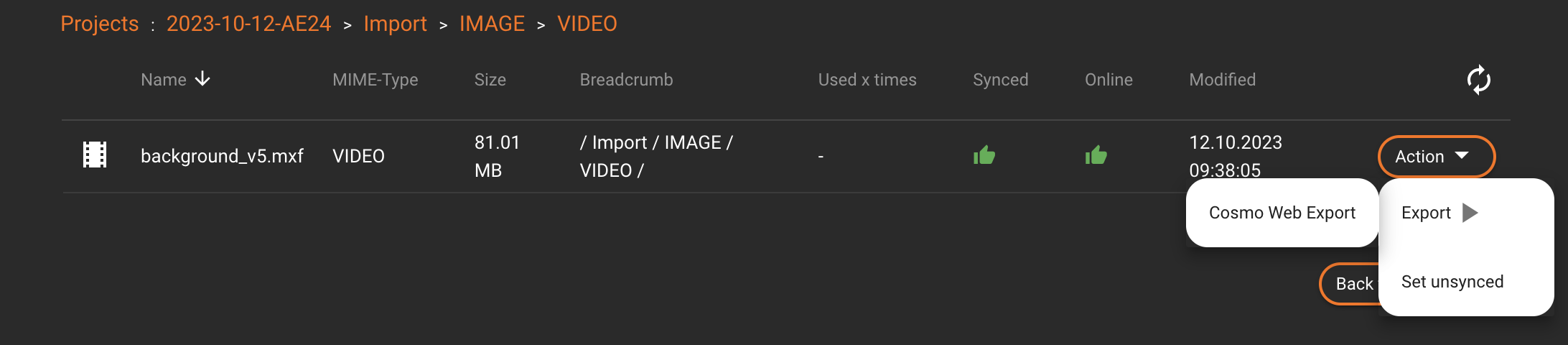
This CO event will be triggered when the 'Export' [profile](/helmut4-releases/v4.8.1/helmut4-components/helmuthk/profiles.md) of a specific element within the Cosmo project views is invoked through the action button menu.
Depending on the underlaying stream, various workflows can be triggered like exporting the element via Adobe Media Encoder.
Asse / element trigger in Cosmo
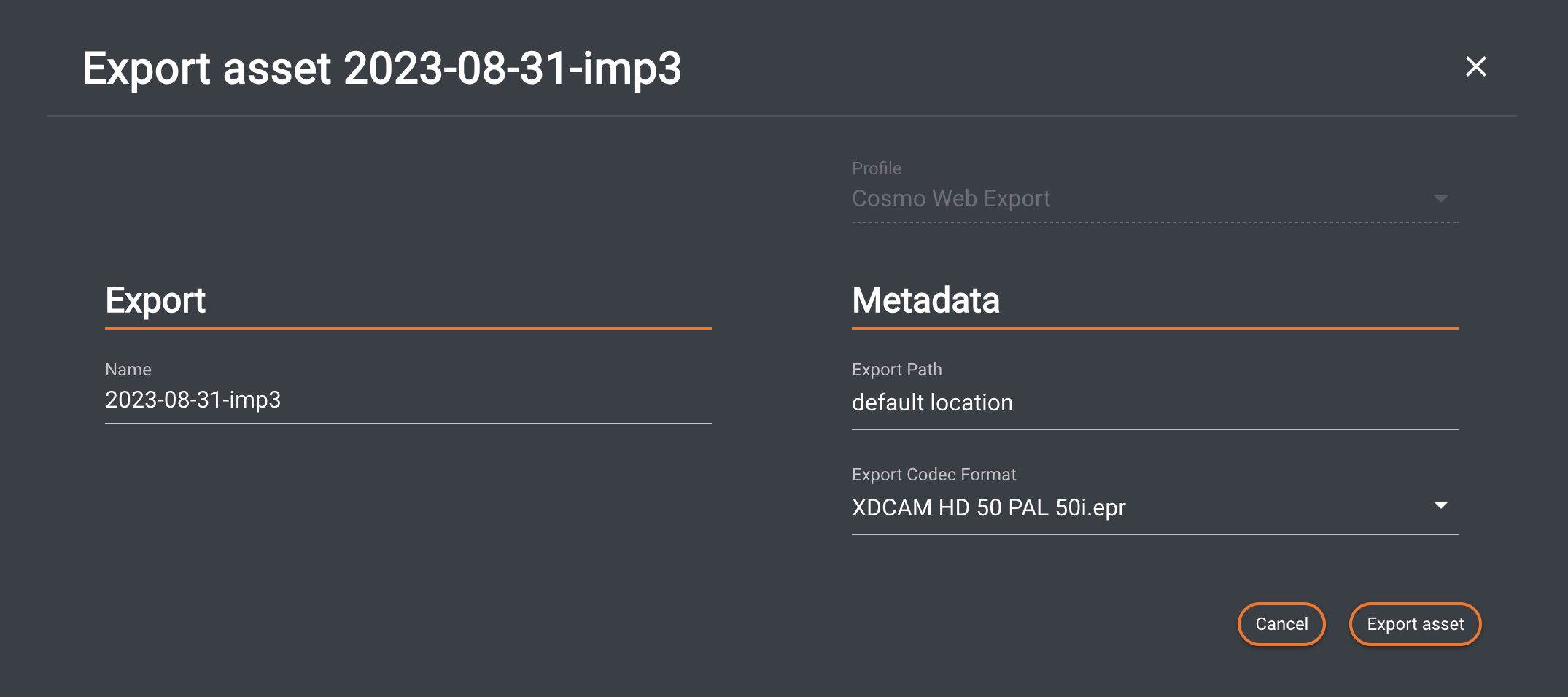
When clicking the dedicated profile, an overlay window will open, allowing the input of various job-related information, depending on the [metadata set](/helmut4-releases/v4.8.1/helmut4-components/helmutio/metadata.md#metadata-set).
Export a sequence via Cosmo Web_Export
#### Metadata Order for Metadata Set
Please refer to [Metadata Order for Metadata Set](/helmut4-releases/v4.8.1/helmut4-components/helmutio/metadata/metadata-set.md#metadata-order-for-metadata-set) for further information.
### Export/Cancel Button
Clicking "Export asset" will start the job.\
Clicking "Cancel" or the "X" closes the dialog without saving.
{% hint style="info" %}
Setting up a trigger within CO requires an appropriate profile with a selected stream relevant to the current trigger.
{% endhint %}
### Host Assignment
{% hint style="warning" %}
Any stream with this trigger must have "CLIENT" as the host type. Since this stream needs to be assigned to any user/client, server execution is not possible.
{% endhint %}