> For the complete documentation index, see [llms.txt](https://docs.helmut.de/helmut4-releases/llms.txt). Markdown versions of documentation pages are available by appending `.md` to page URLs; this page is available as [Markdown](https://docs.helmut.de/helmut4-releases/v4.8.1/helmut4-components/helmutio/profiles.md).
# Profiles
## Introduction
In contrast to FX, where streams can be executed by a client or server directly for various short-lived workflows (taking into account the stream timeout after 60 seconds), streams within the IO, CO & HK environment typically have a longer runtime and may require assignment to other render nodes with higher priority.
To address this scenario, profiles can be generated to meet all these requirements:
* Attach a [Metadata Set](/helmut4-releases/v4.8.1/helmut4-components/helmutio/metadata/metadata-set.md)
* Set job priority
* Assign a profile/stream to specific group(s)
* Hide it from users
* Assign the job to dedicated user(s) or render node(s)
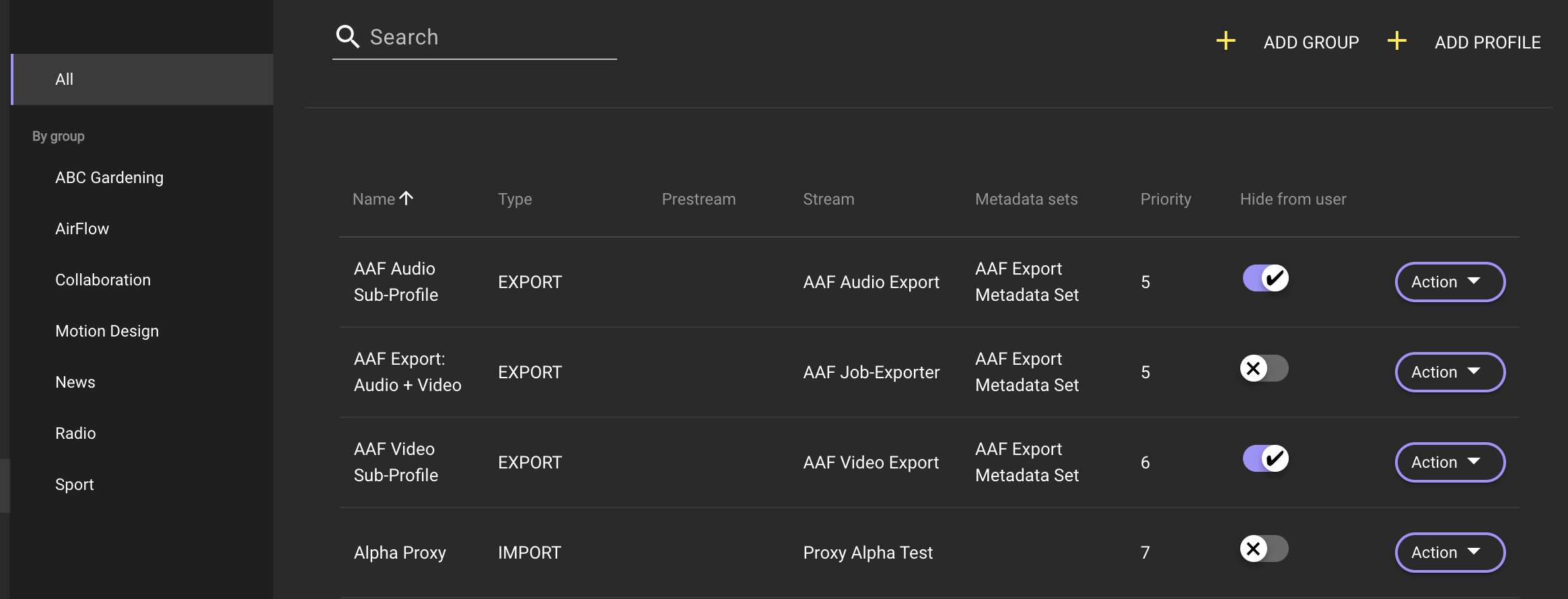
HelmutIO - Profiles
Profiles are used to describe connections between workflows, metadata, user groups, and render nodes/users.
They help define who can see and execute a specific profile, what information is sent when a job is carried out, and which render nodes in the pool can handle the job.
## Profiles Management Overview
In this section, we will provide explanations for all relevant functions and fields related to profile management.

### Profile Name
Displays the name assigned to the profile by its creator.
### Stream Type
Shows the type of stream used in the selected profile. Clicking on the name opens the stream in the Stream Designer for further customization.
### Prestream Name
Indicates the name of the [Prestream](/helmut4-releases/v4.8.1/helmut4-components/helmutio/streams/io-event-triggers/prestream.md) used in the selected profile. Clicking on the name opens the stream in the Stream Designer.
### Stream Name
Presents the name of the stream used in the selected profile. Clicking on the name opens the stream in the Stream Designer.
### Metadata Set Name
Shows the name of the metadata set used in the selected profile. Clicking on the name switches the view to metadata.
### Priority
Displays the default priority assigned to the profile.
### Add Group Button:
Initiates a dialog for entering the name of a new group by using the [FX - Create\_Group](/helmut4-releases/v4.8.1/helmut4-components/helmutfx/streams/fx-event-triggers/create_group.md) trigger. Clicking "Cancel" ends the dialog, and clicking "Save" creates the group. The "Save" option is linked to the Streams trigger.
### Action Button
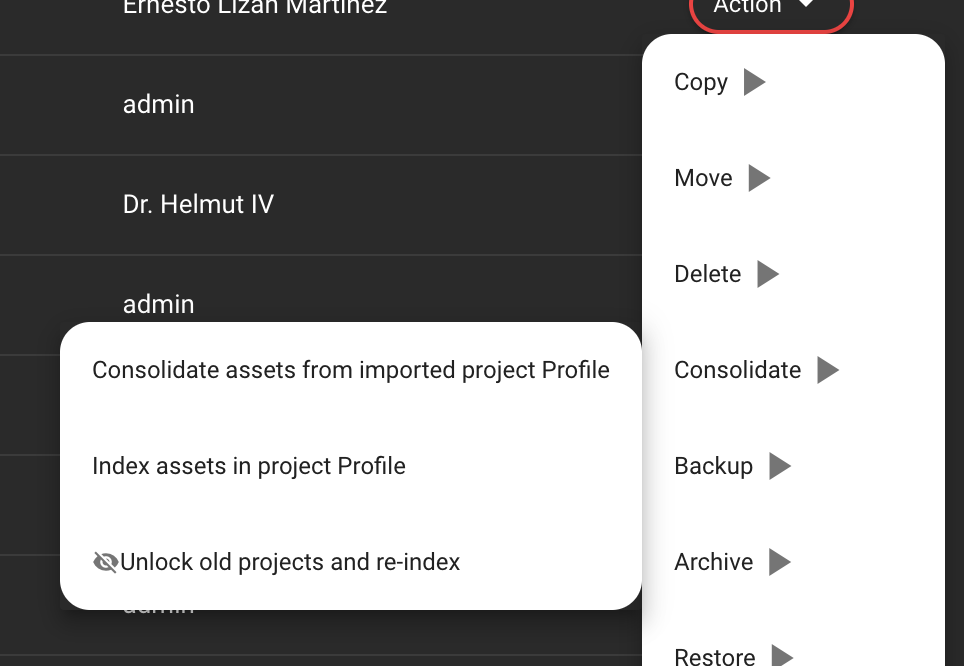
Enables the user to perform various actions on existing profiles, including deletion, duplication, and editing.

### All Tab
Displays all profiles created in the system.
### Group Tab
Displays all profiles created in the system and filters the profiles displayed in the list view when selecting a group.
## Managing Profile Display: Helmut Panel and Website
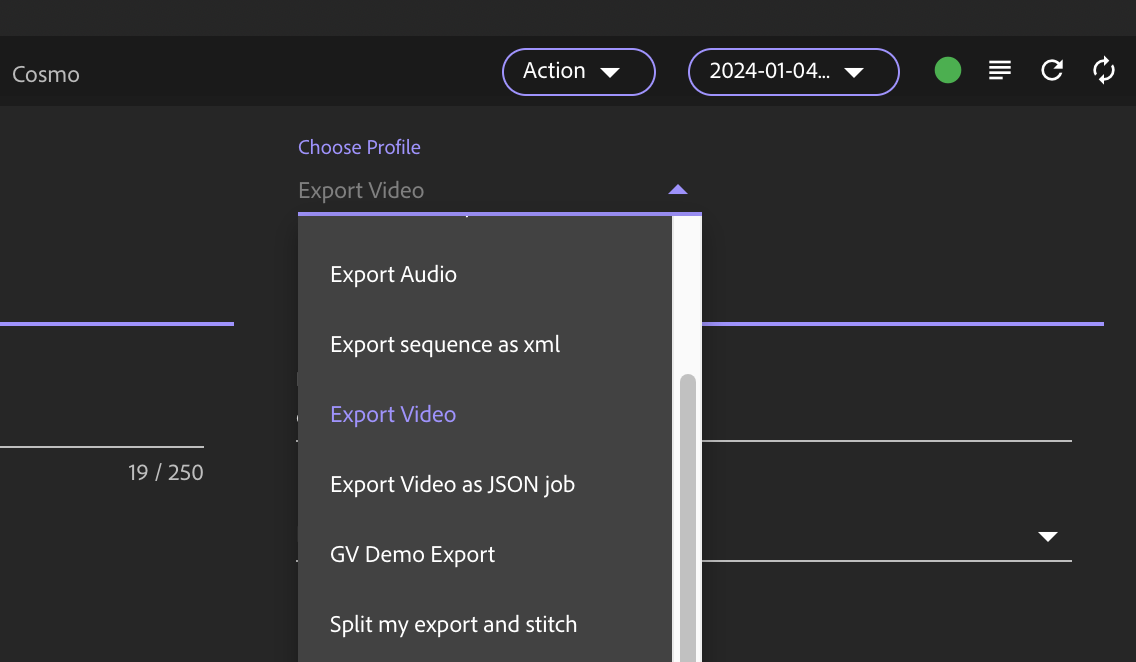
The profiles will be displayed in alphabetical order based on their profile names whenever they appear in a list or dropdown view.
The only way to modify the listing is by renaming a profile or by adding a prefix (numeric or character-based).