> For the complete documentation index, see [llms.txt](https://docs.helmut.de/helmut4-releases/llms.txt). Markdown versions of documentation pages are available by appending `.md` to page URLs; this page is available as [Markdown](https://docs.helmut.de/helmut4-releases/v4.9.1/helmut4-components/streamdesigner/nodes/actions/job-action/job-rclone-actions/job-rclone-cmd-action.md).
# Job RClone Cmd Action
{% hint style="info" %}
Please refer to the [Job RClone Actions](/helmut4-releases/v4.9.1/helmut4-components/streamdesigner/nodes/actions/job-action/job-rclone-actions.md) for detailed informations how to set up RClone on the client(s) fist.
{% endhint %}
With the help of the job RClone Cmd Action it is possible to run any rclone command against an assets or folders. In order for this to be possible, RCLone must be installed on the workstation on which this node (within a stream) is running. The path to the binary is given in the node, but can also be freely defined.
#### Remote configuration
The configuration of the remote location must be done via RClone itself. See the documentation for RClone or refer to [Job RClone Actions](/helmut4-releases/v4.9.1/helmut4-components/streamdesigner/nodes/actions/job-action/job-rclone-actions.md).
The name of the remote location can be defined when creating the remote location in RClone and must be specified in the node.
#### RClone commands
For a full list of RClone commands refer to:
#### Example
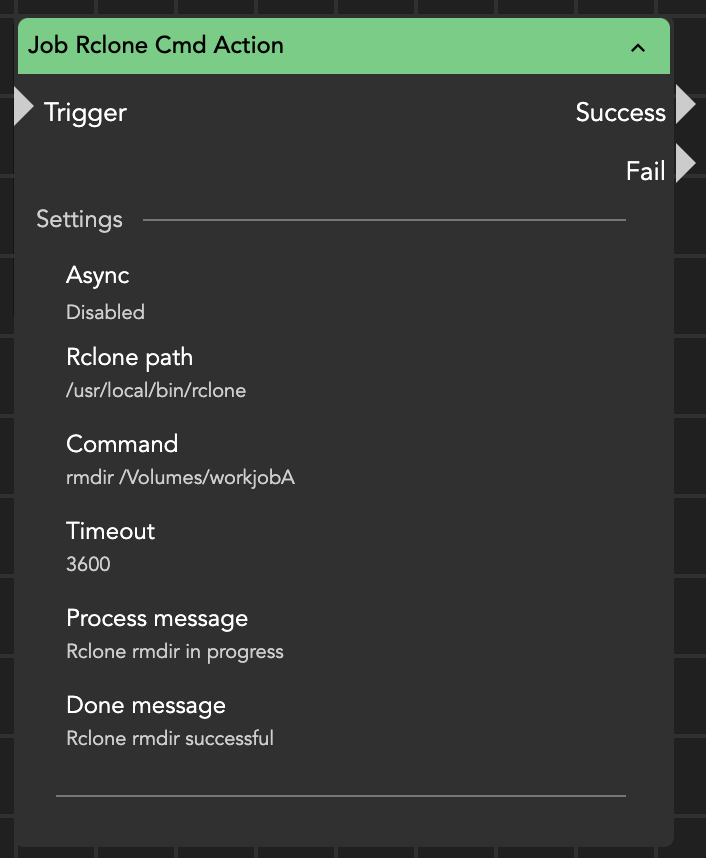
If you want to delete a folder from a local location with the name "jobA":
RClone cmd action
#### RClone flags
Flags can be passed within the node.
For a full list of available RClone flags, please refer to the official documentation: [RClone Flags Documentation](https://rclone.org/flags/).
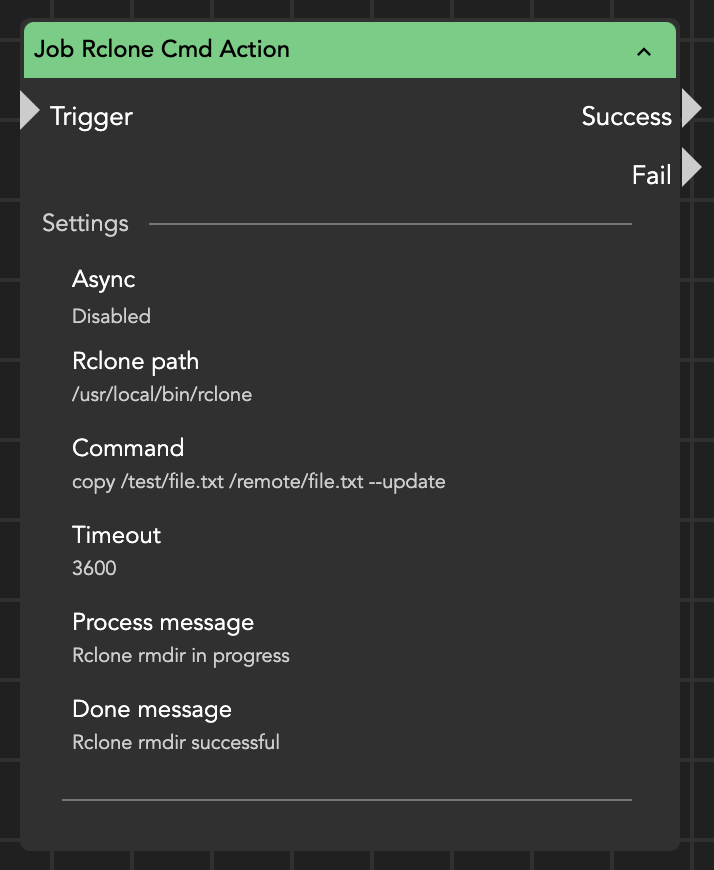
**Example**
RClone cmd action with flag
{% hint style="warning" %}
This node doesn't return any reposne nether via the wildcards [{node.result.?}](/helmut4-releases/v4.9.1/helmut4-components/streamdesigner/wildcards/result-or-return-wildcards-2/node-result.md) nor [{stream.last\_result}](/helmut4-releases/v4.9.1/helmut4-components/streamdesigner/wildcards/result-or-return-wildcards-2/stream-last_result.md)!
{% endhint %}