
Fail Action
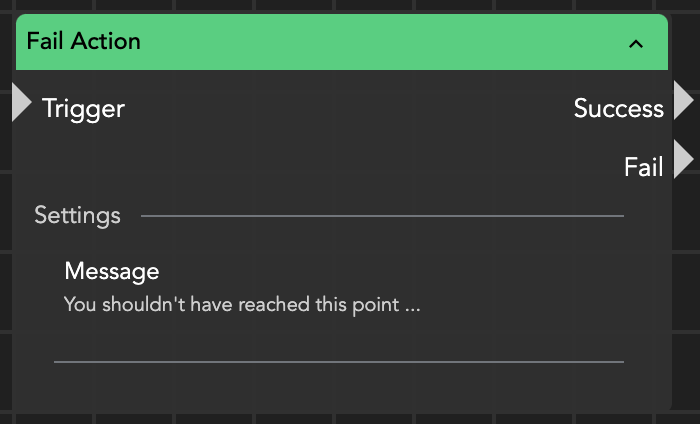
The Fail Action node intentionally fails a stream. It can be used to stop processing immediately when a specific condition is met, or to mark a workflow as failed on purpose.
In FX triggers, failing a stream also affects the trigger chain: any subsequent streams assigned to the same FX trigger will be skipped. Example: If an FX trigger has four streams and the second stream ends with a Fail Action, streams three and four will not run.
Use Case Scope
This node is applicable only to FX streams.
For IO, CO, and HK workflows, use the Job Status Update Action as the equivalent mechanism to influence job/state handling.
Input Parameters
Message (optional) Optional error message returned with the failure. This can be used to document why the stream was intentionally stopped.
Behavior
Always fails when executed
Immediately marks the stream as failed
In FX triggers, prevents any subsequent streams in that trigger chain from running
Allows connecting additional nodes after it, but only the fail output can be used
Typical Use Cases
enforcing validation rules (e.g., required metadata missing)
hard-stopping an FX workflow when a prerequisite is not met
preventing follow-up streams from running if a critical condition occurs
returning a clear error message to operators or logs
Important Note
Use this node only when failing is the desired outcome. If the goal is to continue the workflow but handle an error gracefully, use conditional logic or a Success Action (for non-critical failures) instead.
Last updated