> For the complete documentation index, see [llms.txt](https://docs.helmut.de/helmut4-releases/llms.txt). Markdown versions of documentation pages are available by appending `.md` to page URLs; this page is available as [Markdown](https://docs.helmut.de/helmut4-releases/helmut4-components/helmuthk/streams.md).
# Streams
## Overview HK Streams
The streams menu is used to manage any HK related stream as this starts from creating a new one all to the way of exporting it.
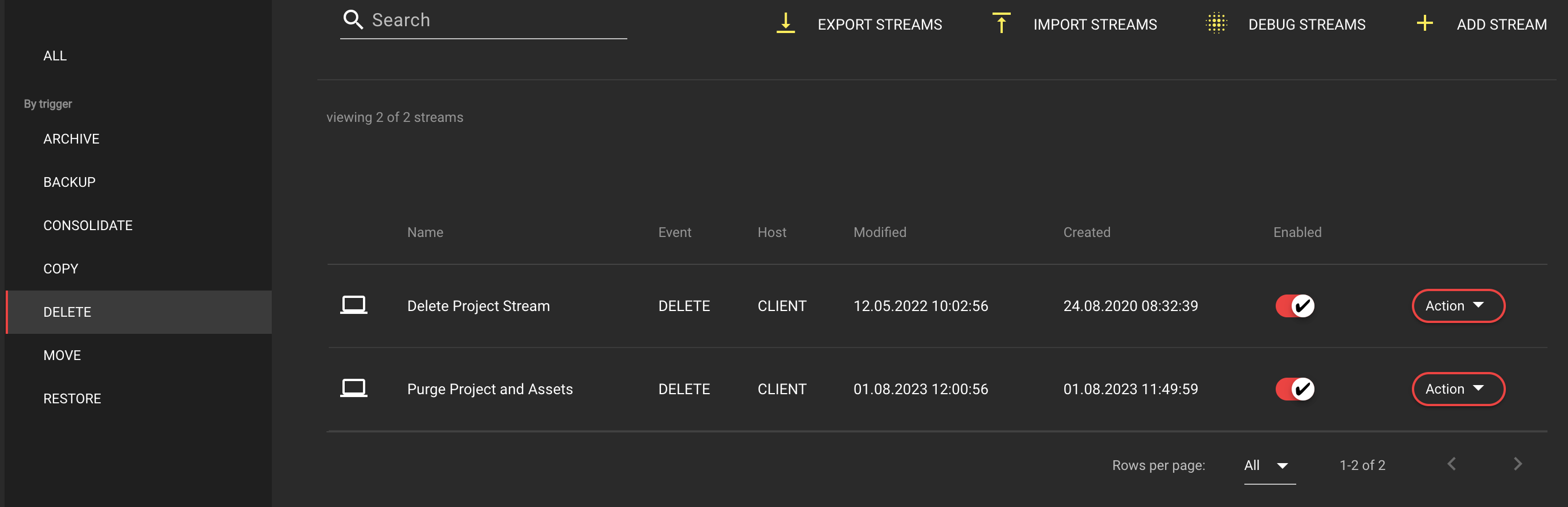
The side is divided into a sidebar menu and a list view.
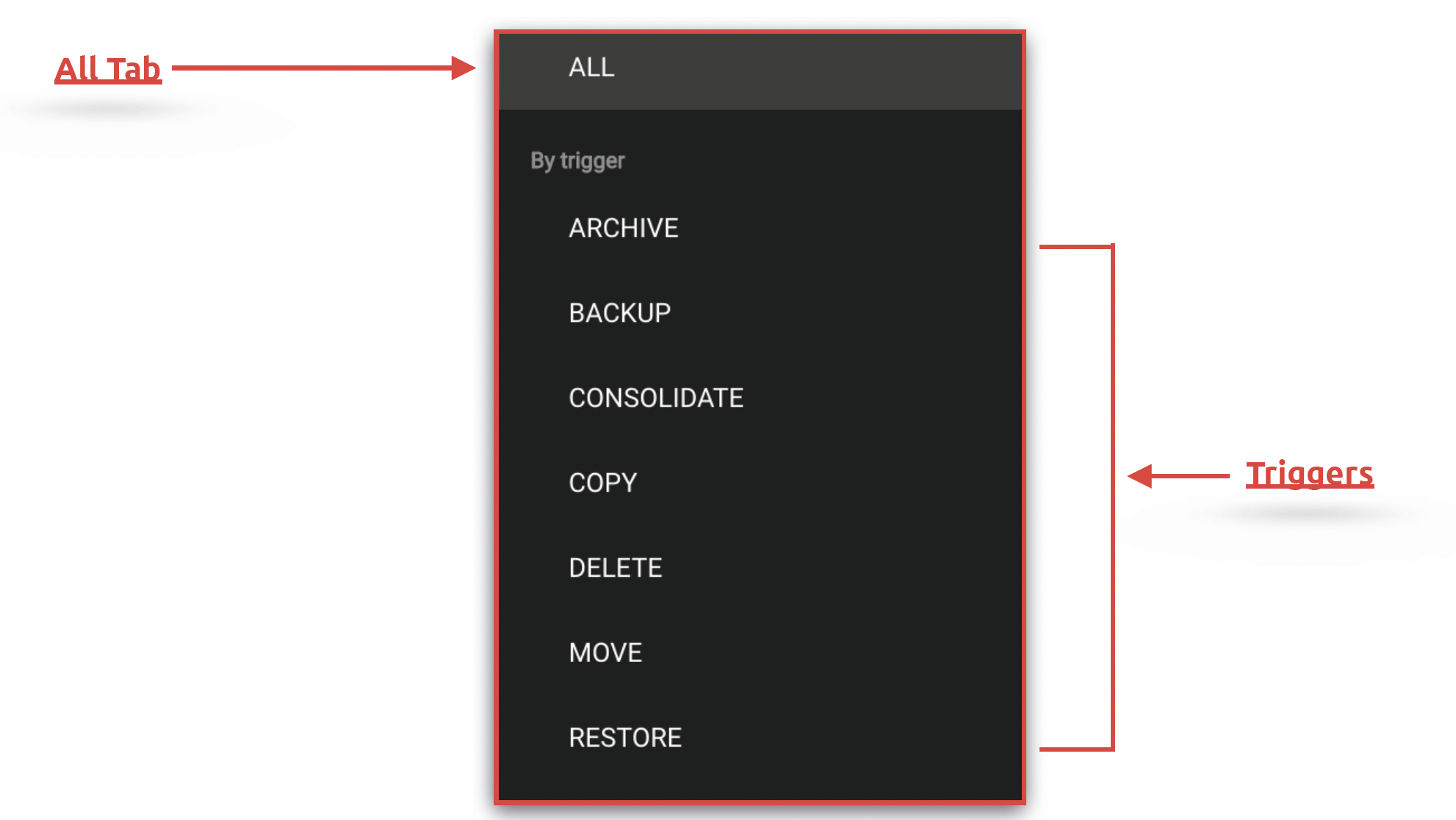
Within Helmut4, streams are workflows that are linked to a trigger event. These triggers are displayed under the menu item in the side menu.
The displayed [HK-triggers](/helmut4-releases/helmut4-components/helmuthk/streams/hk-event-triggers.md) serve as filters for displaying the associated streams in the list view.
HelmutHK Event Trigger List
## Sidebar menu
### All Tab
Displays all available HelmutHK streams.
### By Trigger
Displays all trigger-related HelmutHK streams in the list view.
## List view
This view shows all trigger-related streams, including their names, host types, modification and creation dates, as well as the status of any stream(s).