> For the complete documentation index, see [llms.txt](https://docs.helmut.de/helmut4-releases/llms.txt). Markdown versions of documentation pages are available by appending `.md` to page URLs; this page is available as [Markdown](https://docs.helmut.de/helmut4-releases/helmut4-components/streamdesigner/nodes/actions/job-action/job-rclone-actions.md).
# Job RClone Actions
The following Job Rclone nodes can be used to perform various file/folder actions.
{% hint style="warning" %}
RClone nodes can only be used within client stream - a server stream execution is not available!
{% endhint %}
Before starting to use the RClone nodes, the RClone application needs deployed to your client(s) as this one isn't part of the Helmut4 client installer.
RClone download:
Please keep in mind that RClone needs to be deployed to any client which might execute a dedicated job (Win, Mac, Linux).
Before the node can be used it is important to set up a config - this one creates a "connection-profile" which is being used within the Helmut node.\
Please refer to the official documentation for setting up a config file:
Once the config file is set up, this one can be spread between all clients (keep in mind that this needs to be done whenever the config will be changed).
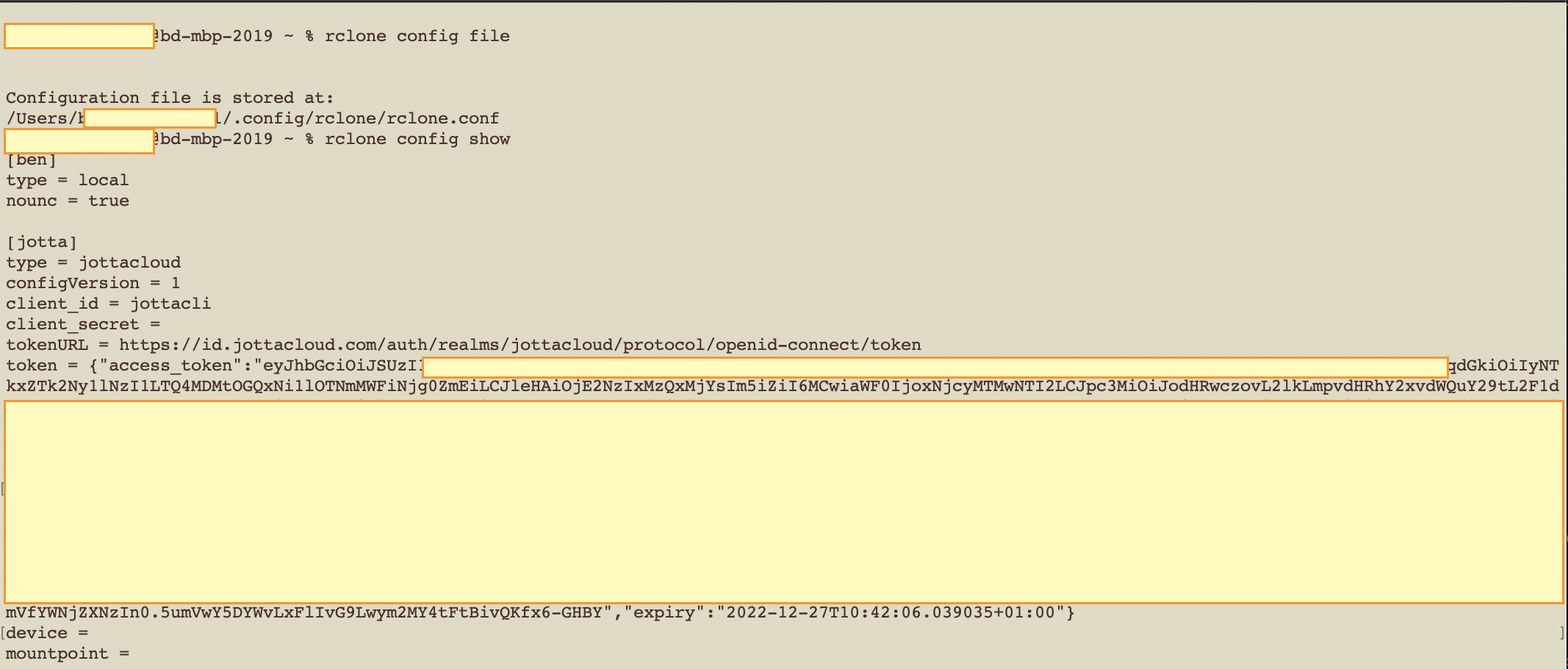
These two commands help you to see the content / find the config file on the local client.
```bash
#Show content of the config file
rclone config show
#Show path to rclone config file
rclone config file
```
This is an example configuration of a [jottacloud](https://www.jottacloud.com) S3 storage
Example rclone config
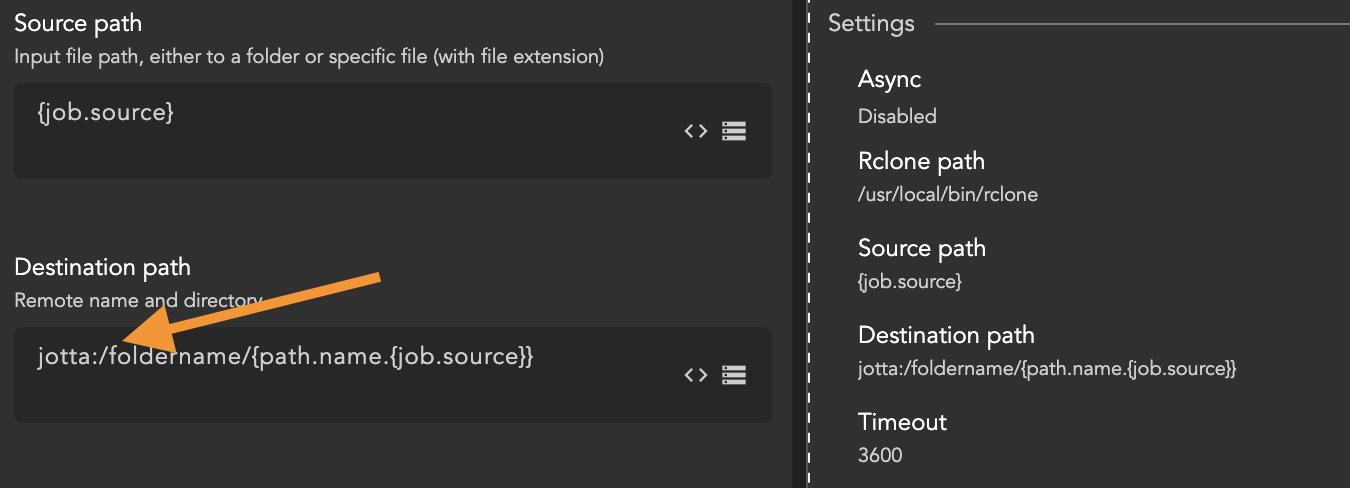
The jotta storage has been named "jotta" - this name needs to be used in the RClone node to address this storage/service