> For the complete documentation index, see [llms.txt](https://docs.helmut.de/helmut4-releases/llms.txt). Markdown versions of documentation pages are available by appending `.md` to page URLs; this page is available as [Markdown](https://docs.helmut.de/helmut4-releases/helmut4-components/streamdesigner/nodes/outputs/misc-3/telegram-output.md).
# Telegram Output
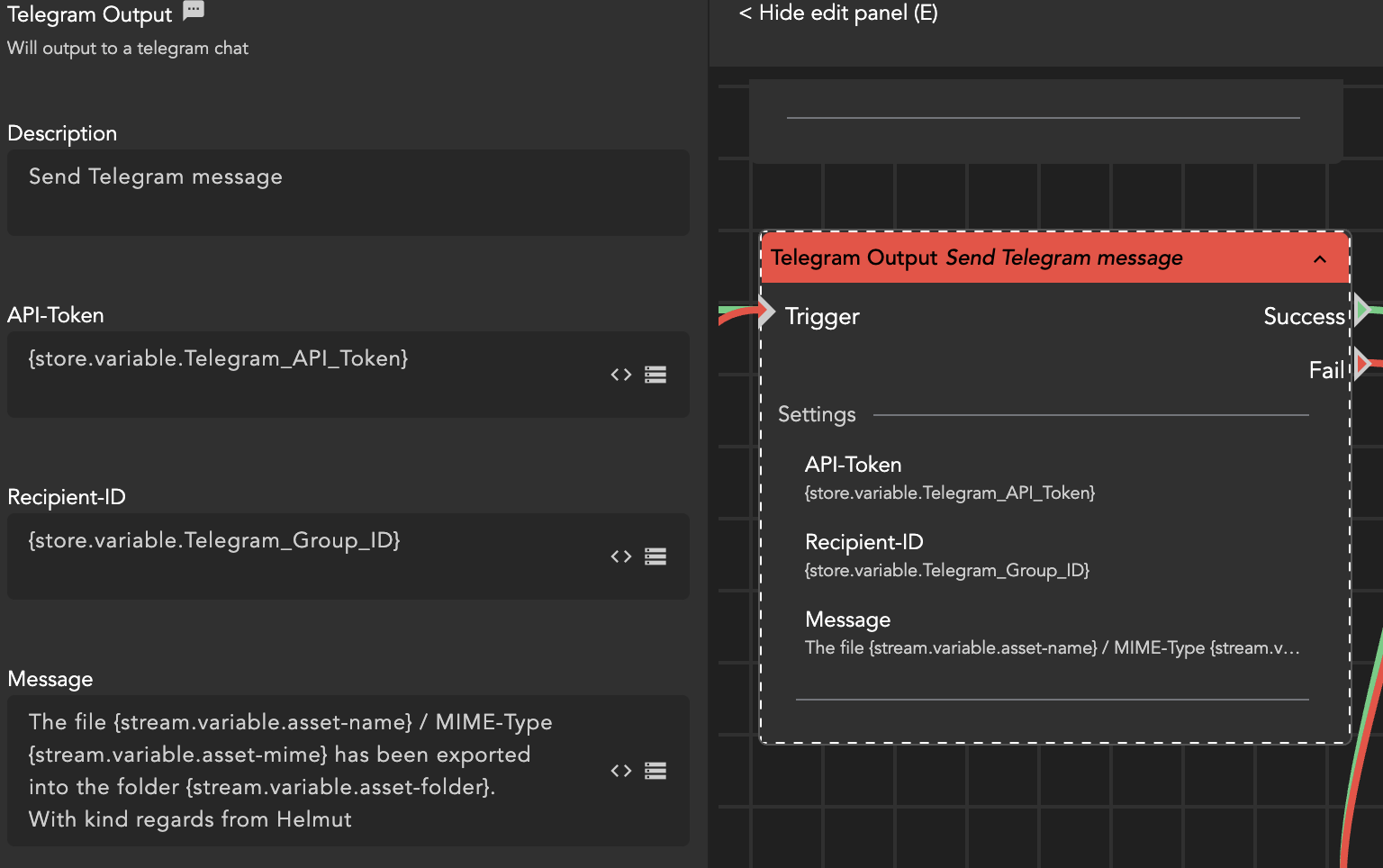
The Telegram Output Action allows you to send notifications to a Telegram group. Before utilizing this node, it is essential to collect some required information in advance, such as an API key.
### API Token
Instructions to set up your Telegram bot. No coding is required, and you can complete the process directly on your device:
#### **Step 1**
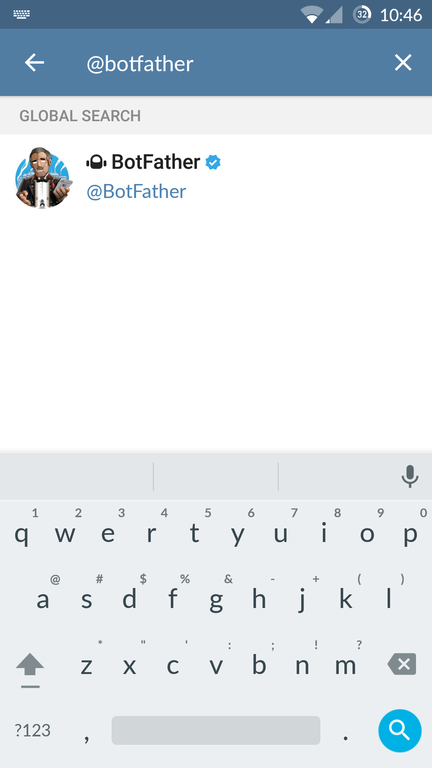
Locate the Telegram bot named "@botfather." This bot will assist you in creating and managing your own bot.
Telegram BotFather
#### **Step 2**
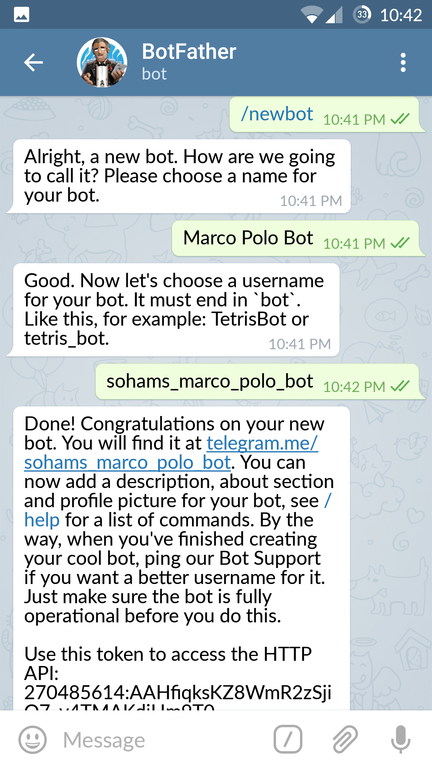
Create a new bot by typing "/newbot" or clicking on the corresponding option. Follow the instructions provided by @botfather to generate a new name for your bot. If your bot is purely for experimentation, you can add a unique touch by including your name before it in its username, as the bot's name must be unique. The screen name can be anything of your choice.
Telegram BotFather
#### **Step 3**
Congratulations! You have successfully created your Telegram bot. A new API token will be generated for your bot.
In the example above, the token is 270485614:AAHfiqksKZ8WmR2zSjiQ7\_v4TMAKdiHm9T0.
Copy your API token and paste it into the designated node.
Tutorial source:
### Recipient-ID
#### Step 1
Locate the Telegram bot named "@RawDataBot" or "Telegram Bot Raw"; it will assist you in obtaining the ID of your group.
#### Step 2
Create a new group and give it a name of your choice.
#### Step 3
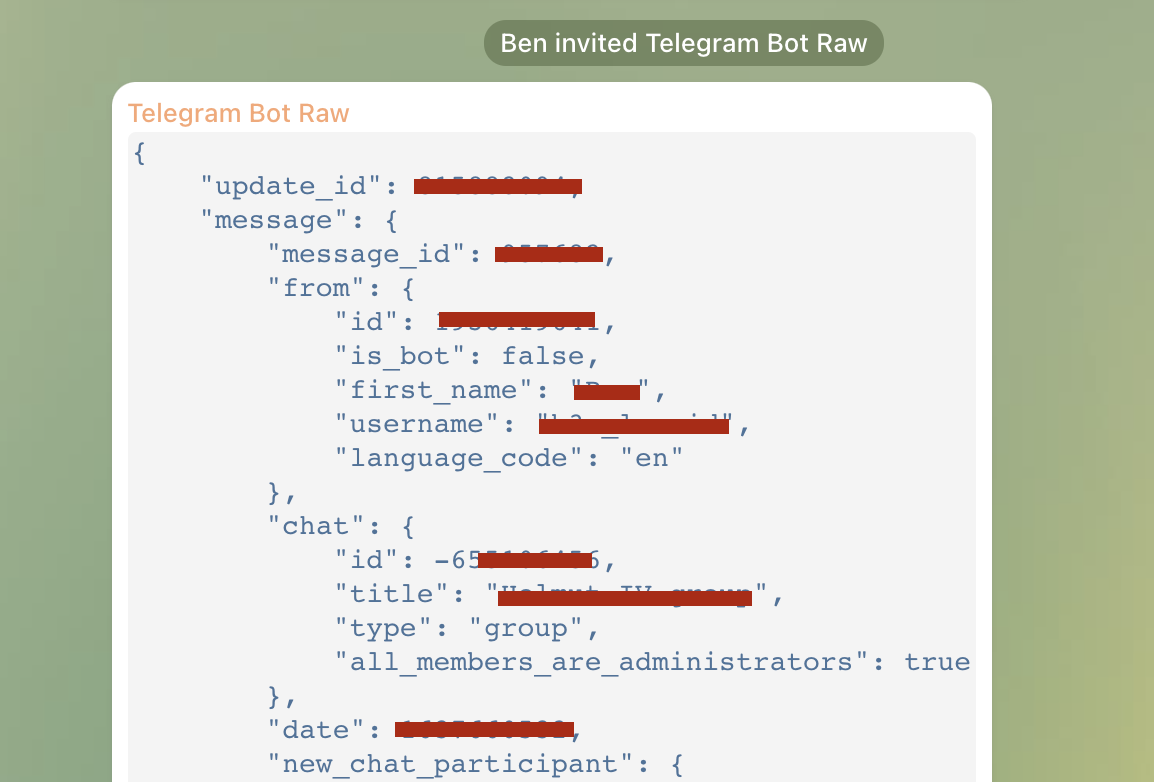
Add the bot @RawDataBot to this group. Once the bot is inside, it will respond with a message containing various metadata, one of which is the chat group ID.
Telegram Bot returning information
```json
"chat": {
"id": -655476556,
"title": "Helmut Telegram Group",
"type": "group",
"all_members_are_administrators": true
},
```
The complete ID, prefixed with a hyphen "-655476556," is the recipient ID that can be copied into the node. After the bot reveals the ID, it can be removed from the group.
### Store and use API-Token / Recipient-ID
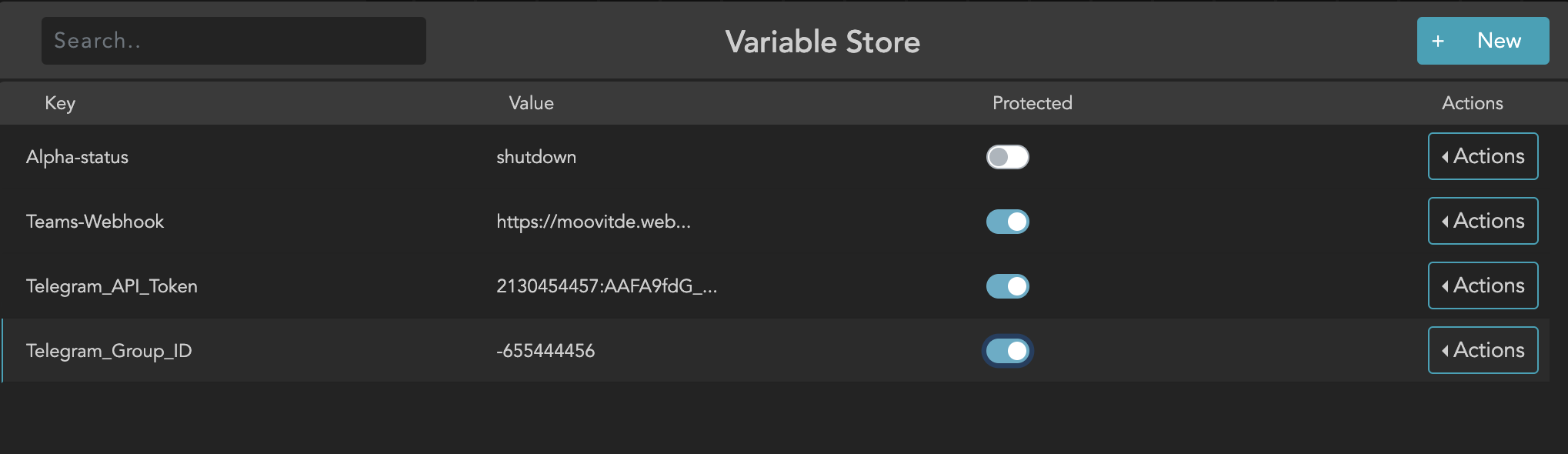
To facilitate easier management of the API-Token and recipient-ID, these can be stored in variable storage. This enables seamless modification or variation of the group, such as incorporating the group name into the combination.