> For the complete documentation index, see [llms.txt](https://docs.helmut.de/helmut4-releases/llms.txt). Markdown versions of documentation pages are available by appending `.md` to page URLs; this page is available as [Markdown](https://docs.helmut.de/helmut4-releases/helmut4-components/helmutio/streams/io-event-triggers/export.md).
# EXPORT
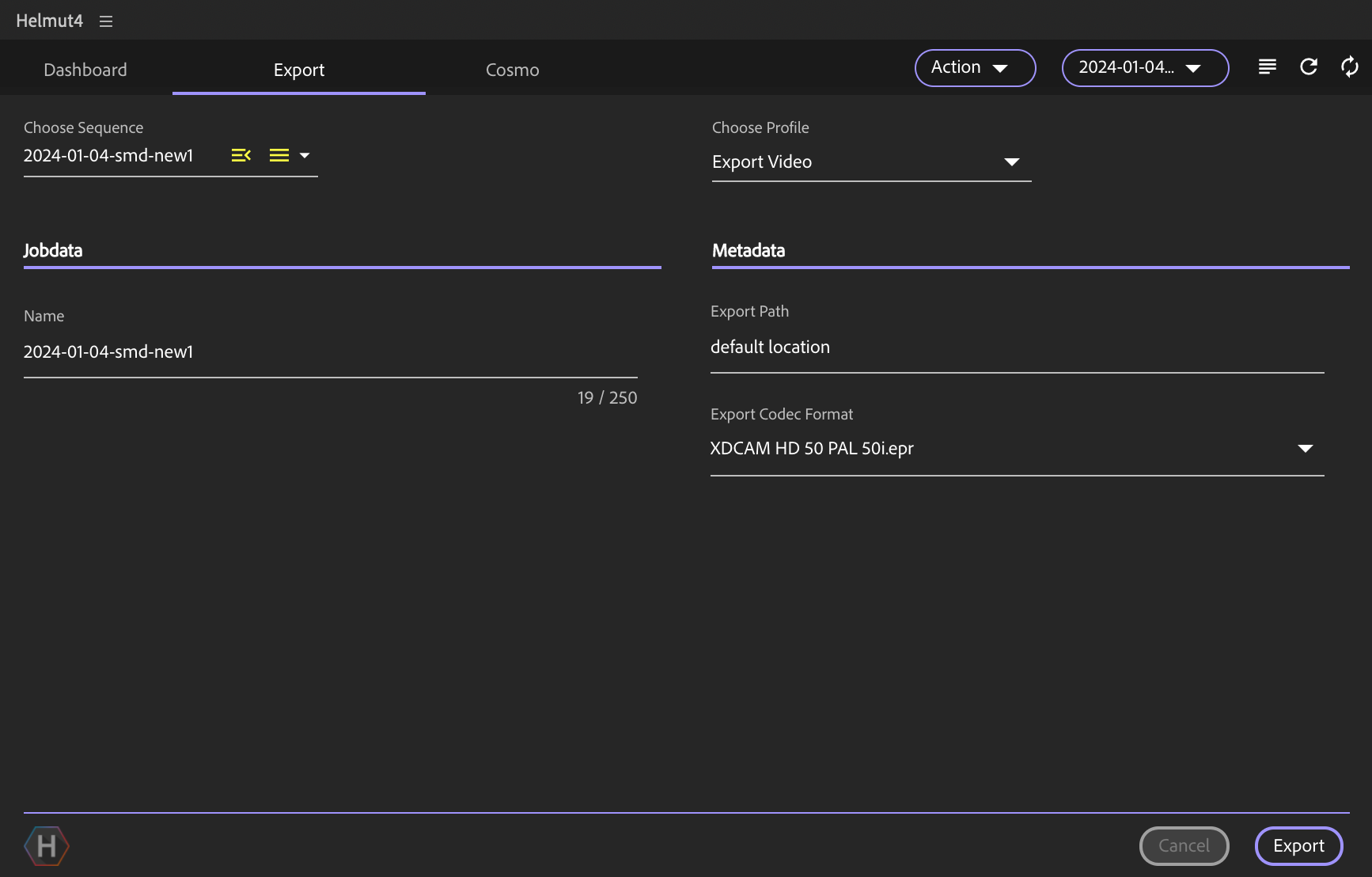
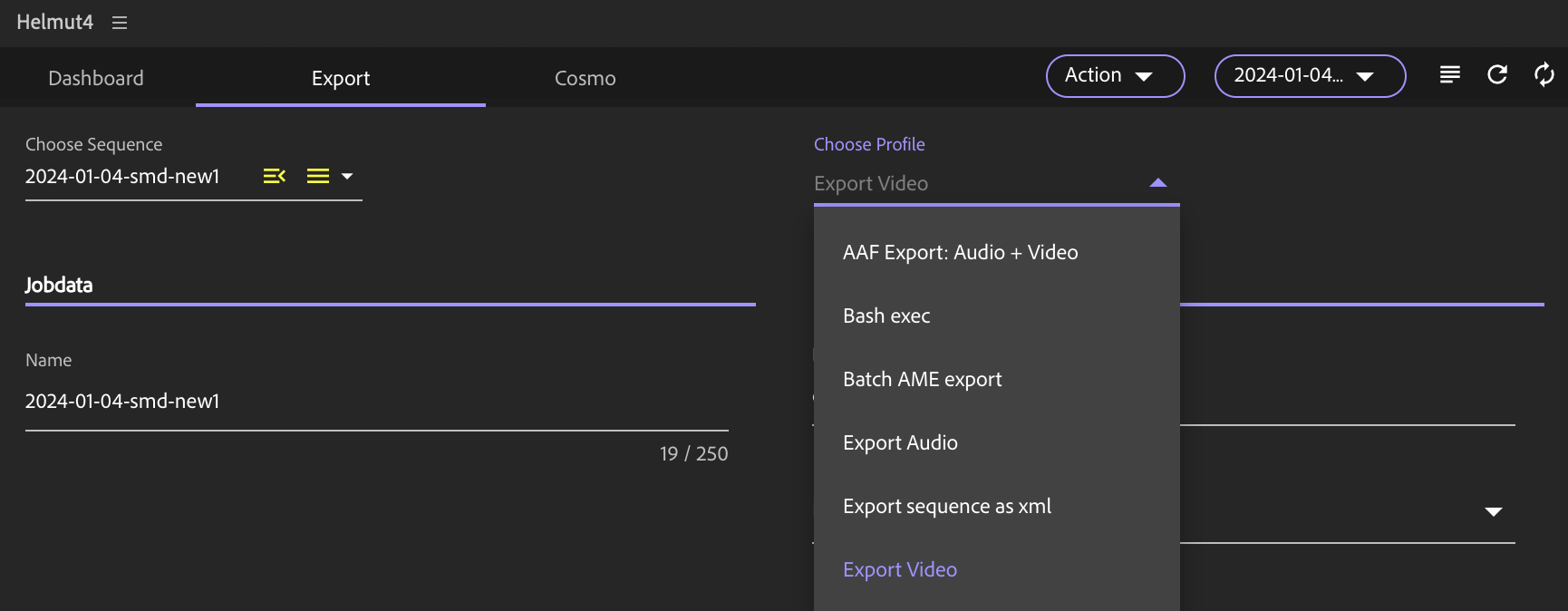
The export trigger can be accessed within the Helmut Panel. All available and assigned profiles will be displayed in the "Choose Profile" dropdown menu.
To use an export stream, it is mandatory to create a profile beforehand. By clicking the "Export" button, the selected profile will be triggered, and the corresponding stream will be executed.
For a more advanced workflow, consider incorporating a [Prestream](/helmut4-releases/helmut4-components/helmutio/streams/io-event-triggers/prestream.md) within the Export profile.
For more information, navigate to the [Panel-Export](/helmut4-releases/helmut4-components/helmut4-panel/panel-export.md) section.
Panel Extension in Premiere Pro / After Effects - Export single sequence
Panel Extension in Premiere Pro / After Effects - Choose Profile
#### Metadata Order for Metadata Set
Please refer to [Metadata Order for Metadata Set](/helmut4-releases/helmut4-components/helmutio/metadata/metadata-set.md#metadata-order-for-metadata-set) for further information.
### Host Assignment
{% hint style="warning" %}
Any stream with this trigger must have "CLIENT" as the host type. Since this stream needs to be assigned to any user/client, server execution is not possible.
{% endhint %}